image model by Google DeepMind
Nano Banana Pro
Google's Pro tier Nano Banana: stills up to 4K with six references
What is Nano Banana Pro?
Nano Banana Pro is Google's Gemini 3 Pro Image model, made by Google DeepMind. It is the Pro tier of the Nano Banana family, next to Nano Banana 2 and Nano Banana 2.1. In Cinemagiq you find it on the Generation Studio's Image tab, where it turns a prompt and optional reference images into up to four stills per run, so you can compare takes before you pick one.
Nano Banana Pro renders at 1K, 2K or 4K and supports ten aspect ratios: 1:1, 2:3, 3:2, 3:4, 4:3, 4:5, 5:4, 9:16, 16:9 and 21:9, with no panoramic formats. You can attach up to 6 reference images and name them in the prompt as @image1, @image2 and so on. Camera Angle Control works here too: choose a viewpoint preset such as Low Angle or High Angle, or a camera type such as Top-Down, Wide-Angle or Close-Up.
Use Nano Banana Pro for hero frames: detailed establishing shots, key art and posters, production design boards and polished keyframes for a pitch. Make the hero still, then open the Video tab and set it as the First Frame for Kling O3 or Seedance 2.5. Results land in the Asset Hub under All Generations, ready to add to a shot on the Production Board, where each cell keeps a stack of options.
Nano Banana Pro examples
Made in Cinemagiq with Nano Banana Pro. The exact prompt is under each one.
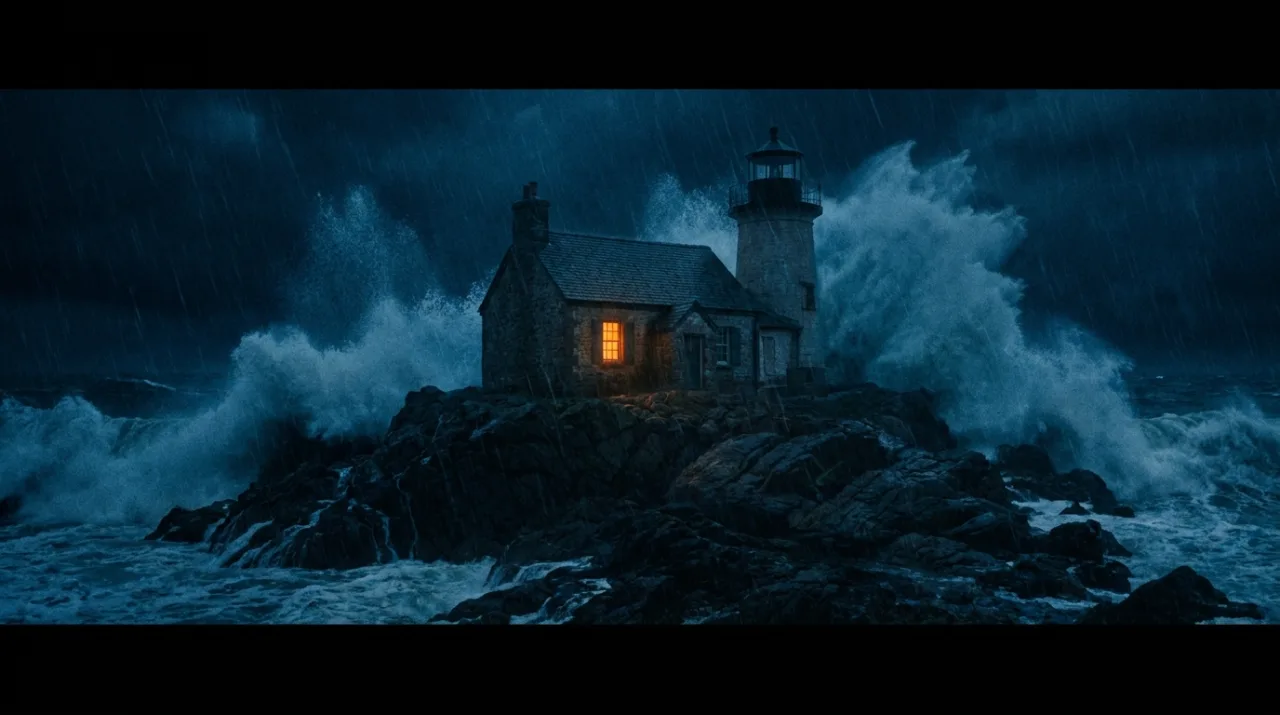
PromptCinematic film still: a lighthouse keeper's stone cottage on a rocky island during a night storm, one warm window light, huge waves breaking against the rocks, rain streaks, moody blue and orange palette, wide shot, no people.
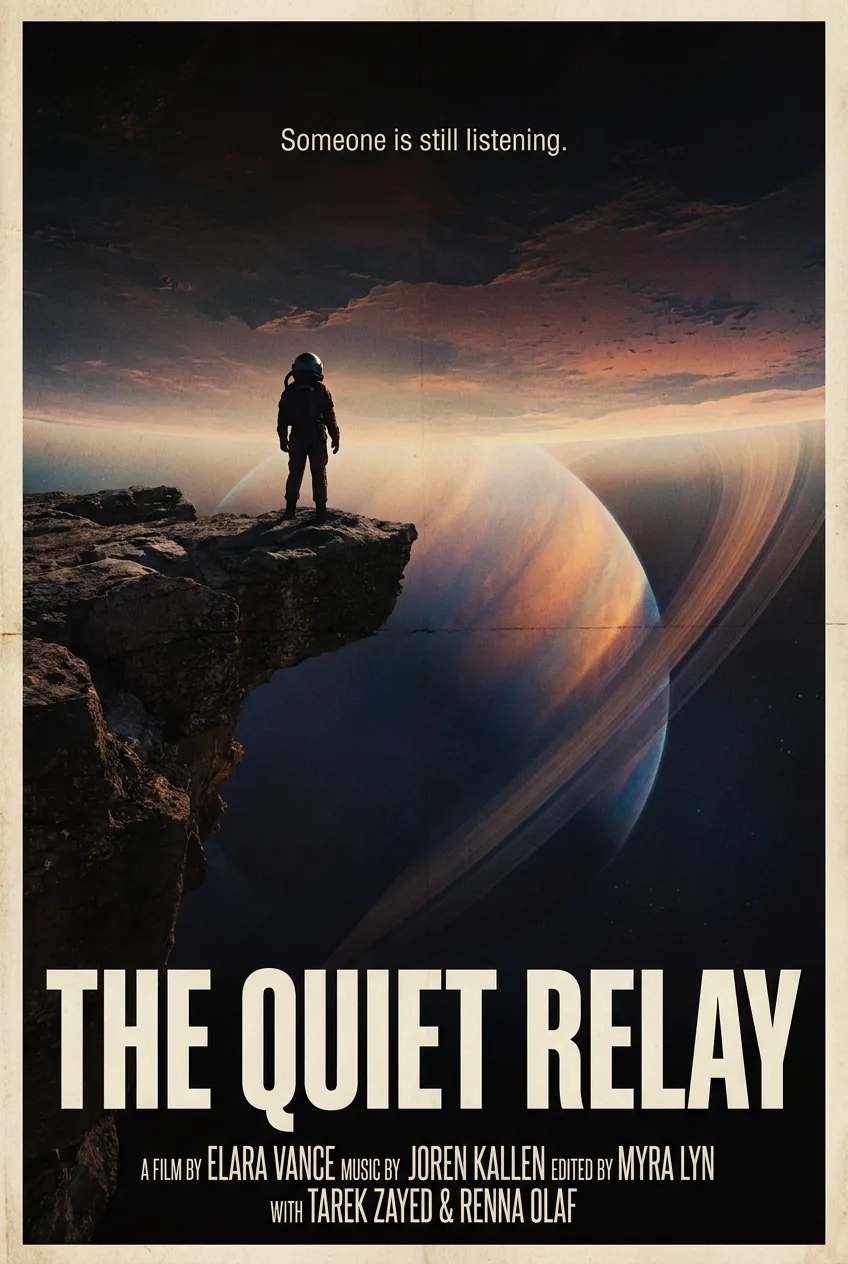
PromptTheatrical movie poster for a science fiction film titled 'THE QUIET RELAY': an astronaut silhouette on a cliff watching a giant ringed planet rise. The tagline 'Someone is still listening.' appears exactly once, small, at the top. The title sits at the bottom in bold condensed typography above a short credits block with invented names only. No studio or company names.
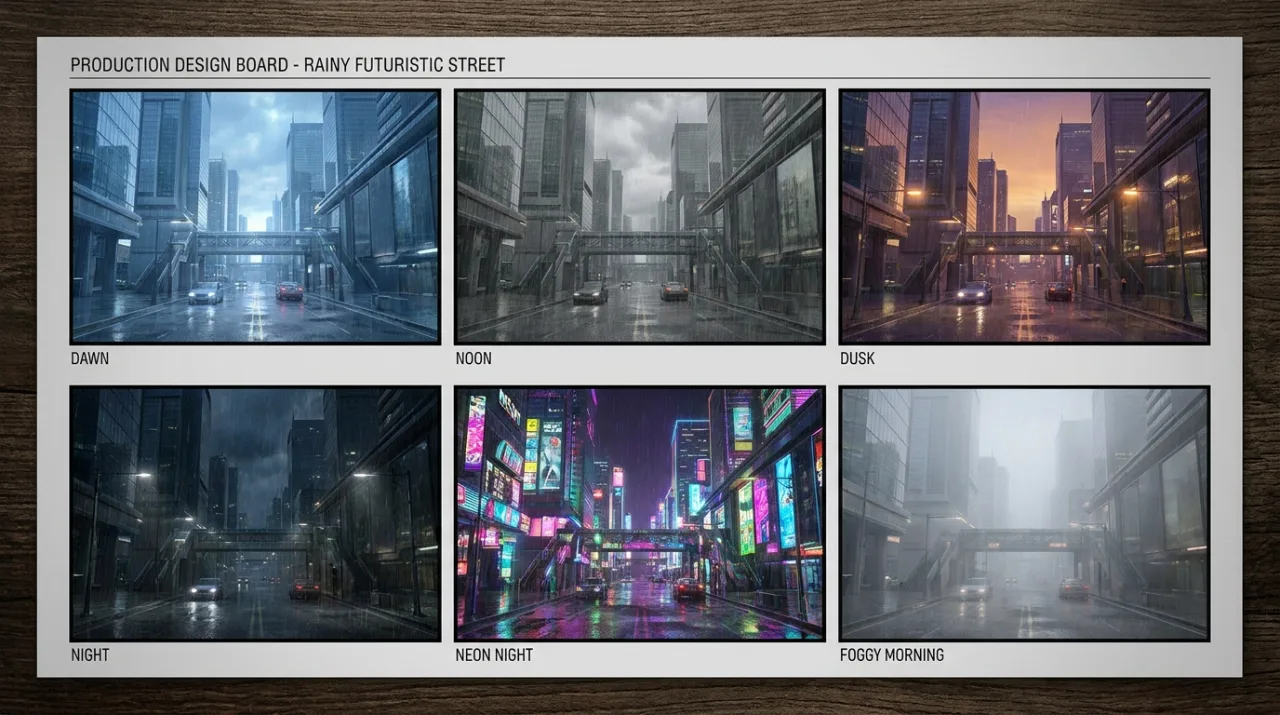
PromptProduction design board: a 3 by 2 grid of six frames showing the same rainy futuristic street at different times of day (dawn, noon, dusk, night, neon night, foggy morning), each frame labeled with its time of day in small white text, identical architecture in all six.
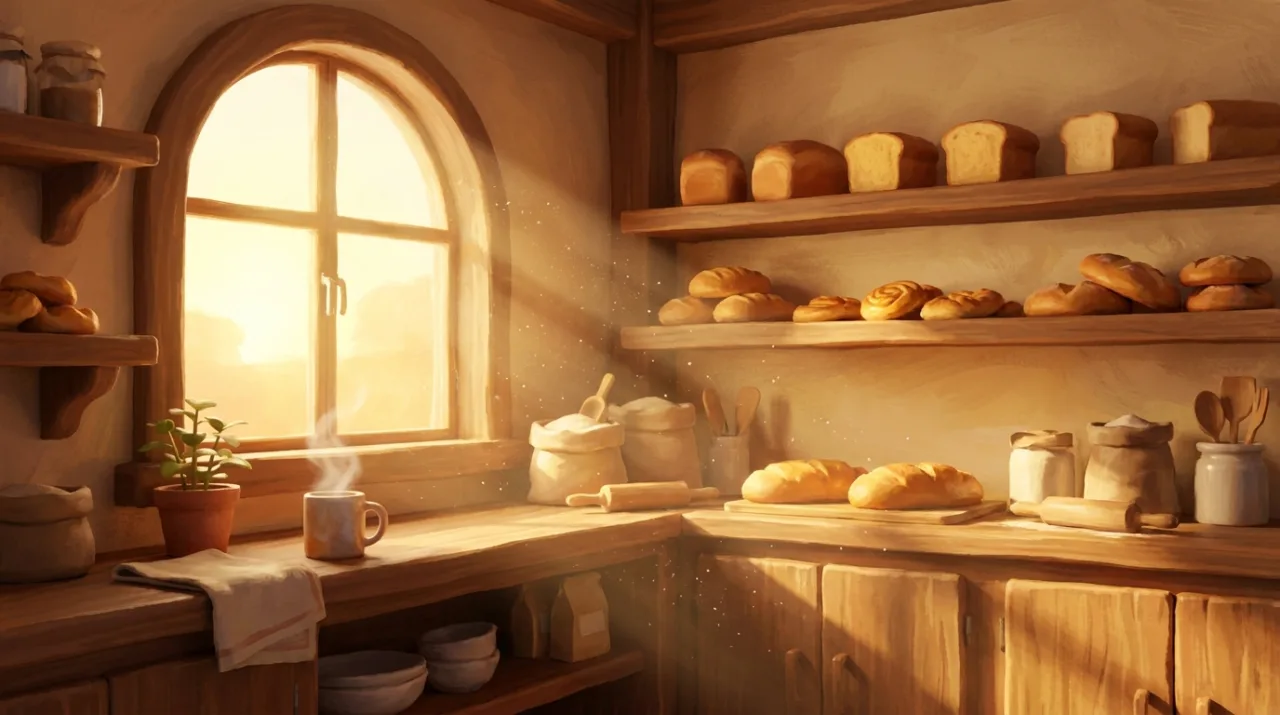
PromptAnimated film still in a warm painterly 3D style: a small bakery interior in the early morning, loaves on wooden shelves, flour dust floating in sunbeams from the window, steam rising from a cup of tea on the counter, no people.
What Nano Banana Pro can do in Cinemagiq
Straight from the model list Cinemagiq runs today.
| Variant | Resolution | Reference images | Camera Angle Control |
|---|---|---|---|
| Nano Banana Pro | 0.5K, 1K, 2K, 4K | Up to 6 | Yes |
Strengths
- The Pro tier of Google's Nano Banana family
- 1K, 2K and 4K output
- Up to 6 reference images, cited as @image1, @image2
- Camera Angle Control presets
- Ten aspect ratios from 9:16 to 21:9
Best for
- Hero frames and key art
- Posters and title art
- Production design boards
- Keyframes for pitch decks
Watch-outs
- Takes up to 6 reference images, fewer than Nano Banana 2.1 (10) or Nano Banana 2 Lite (14).
- No panoramic ratios; use Nano Banana 2.1 for 1:4, 4:1, 1:8 or 8:1.
- Camera Angle Control steers the prompt and does not guarantee the angle.
Prompt tips for Nano Banana Pro
- Put any on-image text in quotes and say where it goes: the title, the tagline above it, the cast and crew names at the bottom.
- For multi-panel boards, give the grid ('a 3 by 2 grid of six frames'), what changes from panel to panel and what must stay identical.
- Use the 6 reference slots for one clear image per character, prop or location, each cited by position as @image1, @image2.
- Pair a Camera Angle Control preset with a reference image of the subject: the angle is steered through the prompt, and the reference helps it hold.
How to use Nano Banana Pro in Cinemagiq
- 1Open the Generation Studio in your project and switch to the Image tab.
- 2Pick Nano Banana Pro in the AI Model picker. Each card says what drives the result and its limits.
- 3Write the prompt, set the aspect ratio and resolution, and attach reference images if you have them.
- 4Generate. The button shows the token cost before you start.
- 5Find every take in the Asset Hub under All Generations, and add the one you keep to its shot on the Production Board.