imageby Alibaba (Qwen)Available in Cinemagiq
Qwen Image 3
Alibaba's Qwen Image 3, for stills where the words have to read right
An image costs from about $0.08
Alibaba's Qwen Image 3, for stills where the words have to read right
An image costs from about $0.08
Qwen Image 3 is an image generation model from Alibaba's Qwen team. Its strength is text rendering: signs, labels, title lettering and other words that have to appear in the frame. In Cinemagiq it sits on the Generation Studio's Image tab, takes a prompt plus up to 3 reference images, and returns up to four images per run, so you can pick the take where every word is right.
Qwen Image 3 renders at 1K or 2K, and a 4K request delivers 2K. It renders ten aspect ratios exactly: 1:1, 4:3, 3:4, 5:4, 4:5, 16:9, 9:16, 3:2, 2:3 and 21:9. There is no quality setting and no Camera Angle Control, so the prompt does the directing: describe the shot, the light and the exact words, in quotes, that should appear in the image.
In a film workflow, use Qwen Image 3 for set dressing with written text, such as neon signs, shop fronts and clapperboards, plus festival badges, title treatments and insert shots of notes or labels. Generate the still, proofread every word, and keep the strongest take in the Asset Hub. A strong frame can become the First Frame of a clip on the Video tab or a slide in your pitch deck.
Made in Cinemagiq with Qwen Image 3. The exact prompt is under each one.
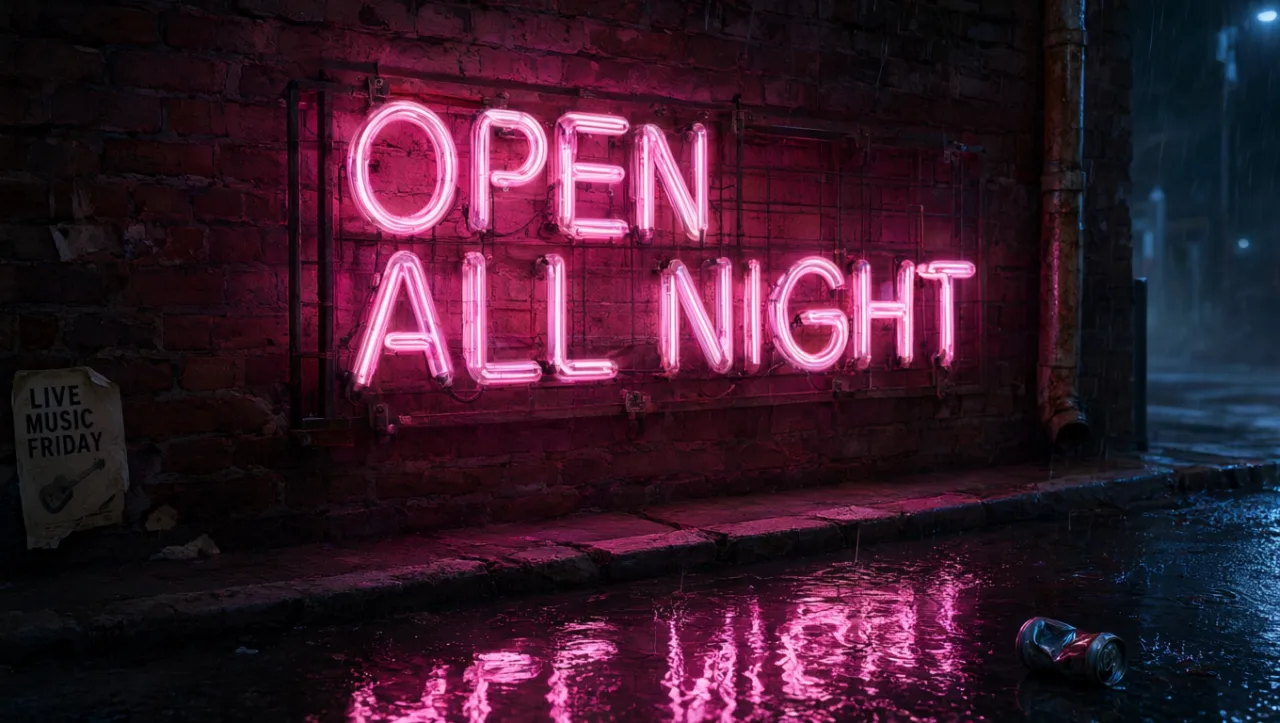
PromptA neon sign on a brick wall that reads 'OPEN ALL NIGHT' in pink cursive letters, rain, reflections on the wet street, cinematic night photo.
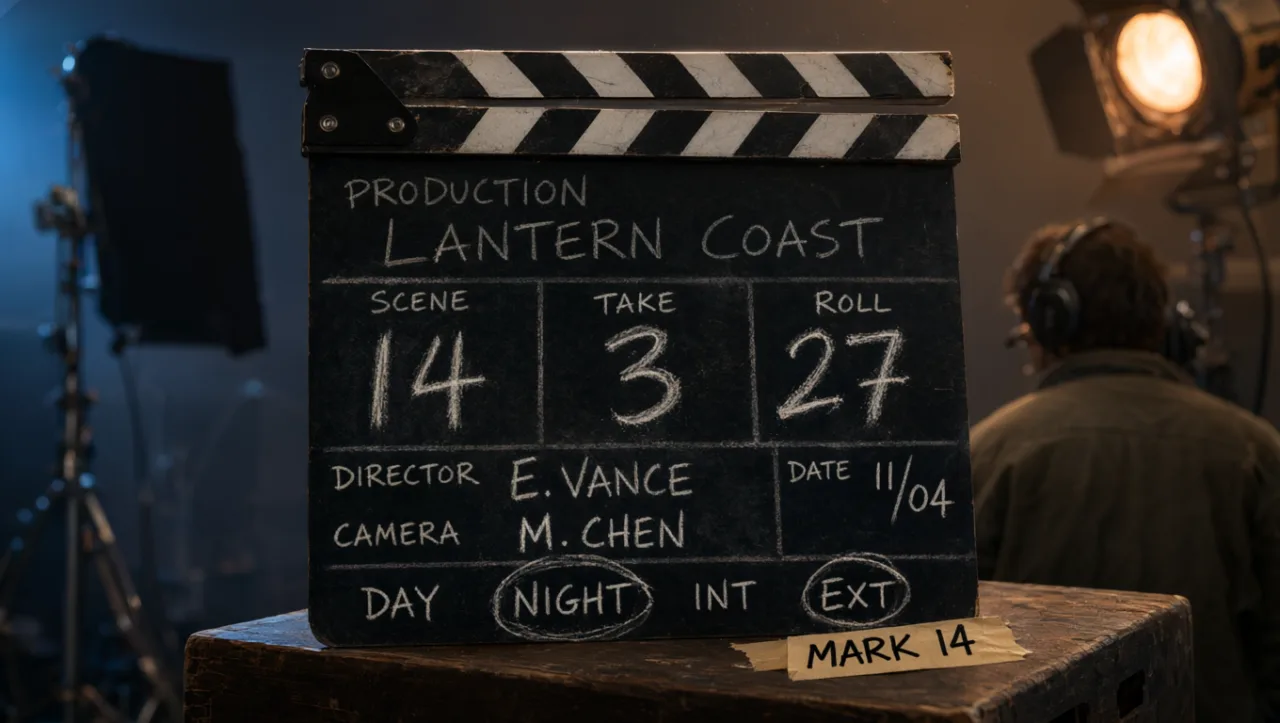
PromptA film clapperboard on a set with chalk writing: PRODUCTION LANTERN COAST, SCENE 14, TAKE 3, close-up, shallow depth of field.
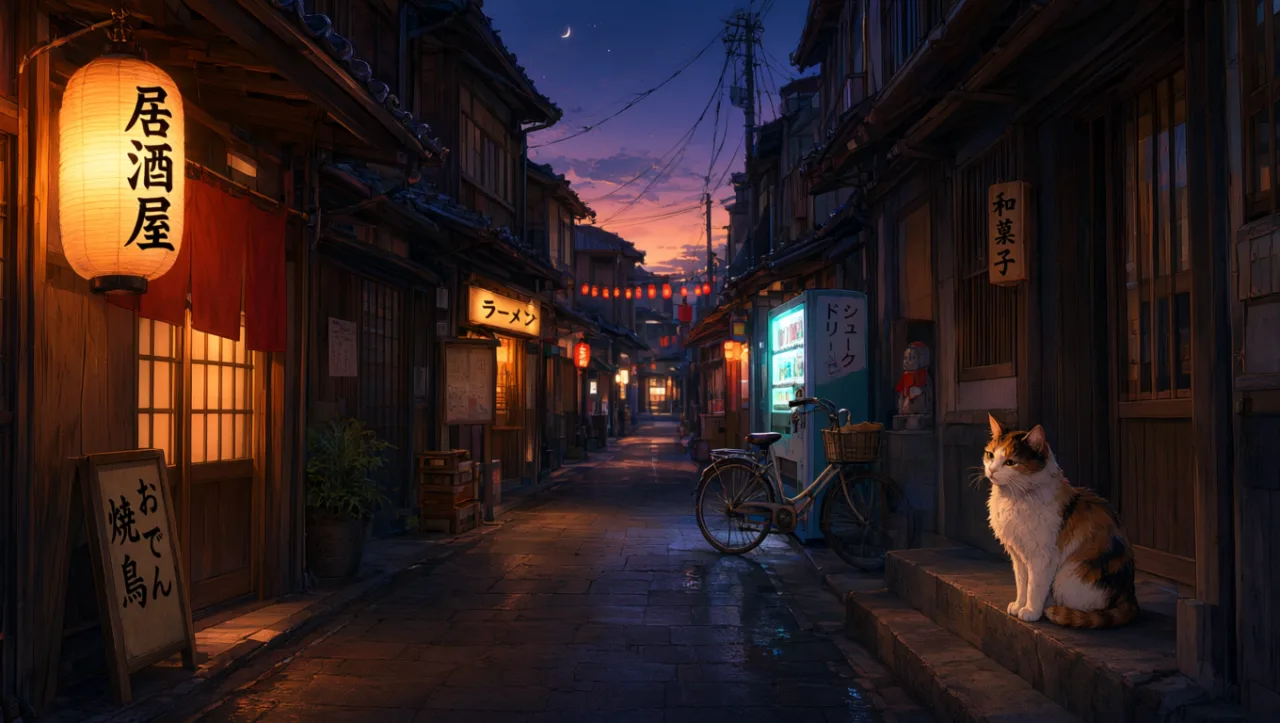
PromptA narrow Japanese street at dusk with hanging paper lanterns and shop signs written in Japanese, a cat sitting on a stone step, anime background art style.
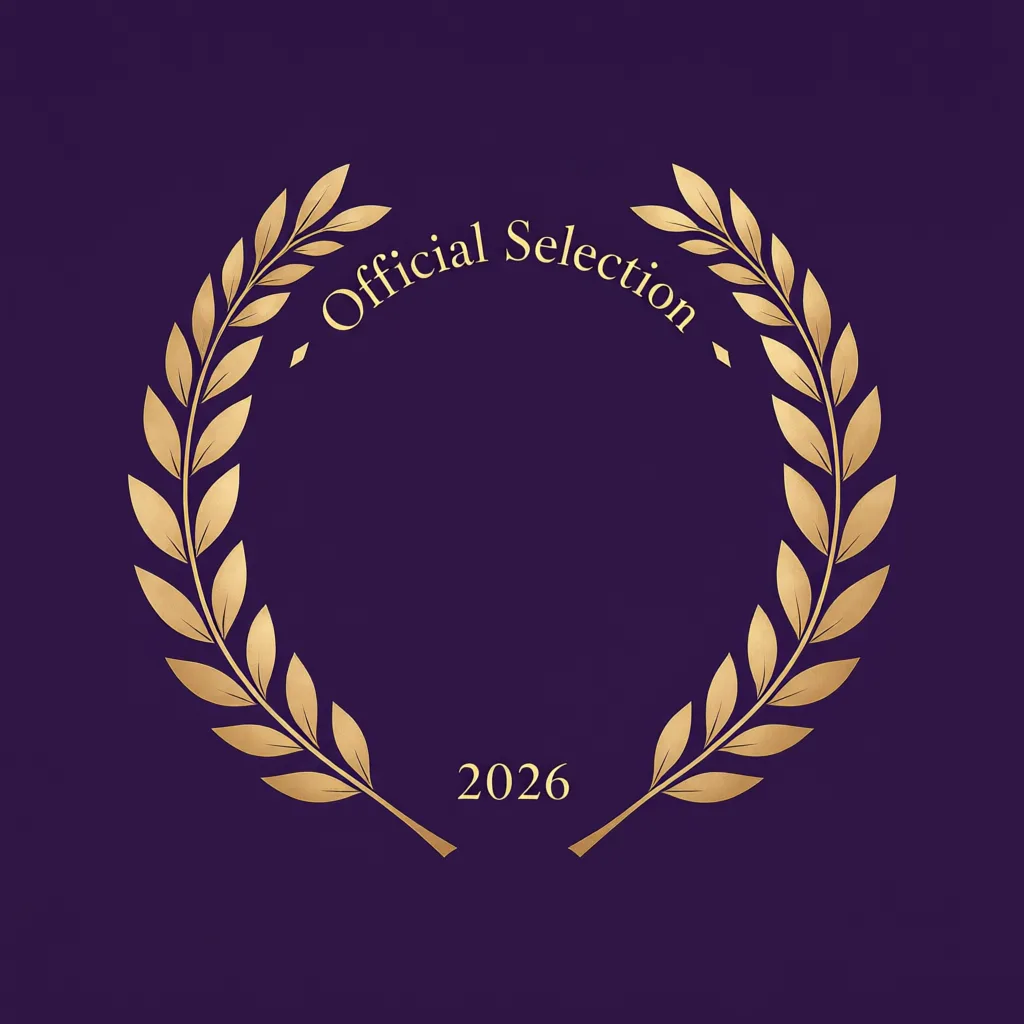
PromptMinimalist film festival laurel badge with the text 'Official Selection 2026', gold on deep purple.
Straight from the model list Cinemagiq runs today.
| Variant | Resolution | Reference images | Camera Angle Control |
|---|---|---|---|
| Qwen Image 3 | 1K, 2K | Up to 3 | No |
Its strength is text rendering, so it suits frames where words must appear: neon signs, shop fronts, clapperboards, labels and title art. Put the exact words in quotes in the prompt and proofread the result before you use it in a shot or a deck.
Qwen Image 3 comes from Alibaba's Qwen team. In Cinemagiq it runs on the Generation Studio's Image tab next to models from Google, OpenAI, ByteDance, Black Forest Labs, Recraft and xAI, so you can compare it with other models on the same prompt.
Up to 3. Use them for the essentials, such as a character, a logo or a location, and describe in the prompt what each one should contribute. If you need more references in one frame, Nano Banana 2.1 takes up to 10 and FLUX.2 up to 9.
It renders at 1K or 2K, and a 4K request delivers 2K. It renders ten aspect ratios exactly: 1:1, 4:3, 3:4, 5:4, 4:5, 16:9, 9:16, 3:2, 2:3 and 21:9, so widescreen, vertical and square frames all work.
Generate with Qwen Image 3 and the other models Cinemagiq runs in one AI-native workspace, and pick the right one per shot.