For commercials
Produce commercials and branded films with AI.
Plan, generate and review commercials, trailers and branded films with your team, from brief to final cut, in one place.
Live action
Tidestride
“Run where the road ends.”
Animation
Hollowbee Honey
“Made slowly.”
Live action and drawn animation
Emberleaf Coffee
“Wake up wild.”
Three spots made in Cinemagiq by our team: live action, animation and both at once. The brands are made up.
From brief to final cut.
- Step 1
Brief
The brief, the script and the voiceover lines in Docs.
- Step 2
Shots
One episode per spot on the board, a row per shot.
- Step 3
Generate
Keyframes, clips, voice and music, each priced first.
- Step 4
Review
Statuses and comments on every cell until it is approved.
- Step 5
Cut
The spot in the Video Editor, with voice and music, then export.
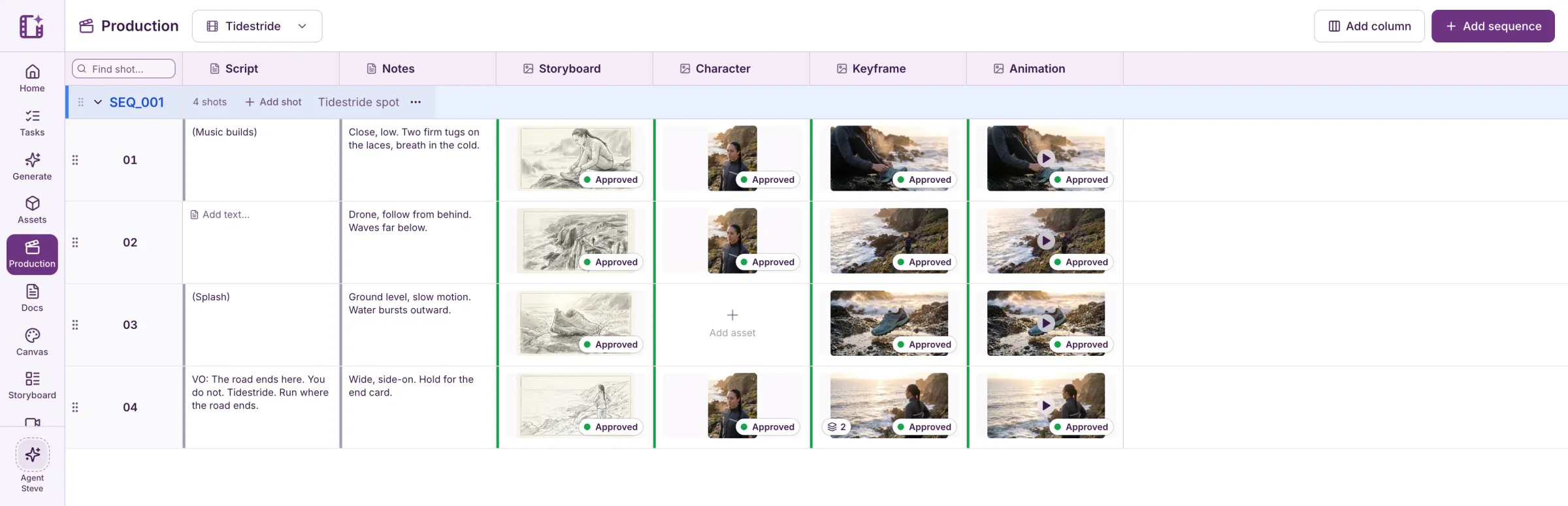
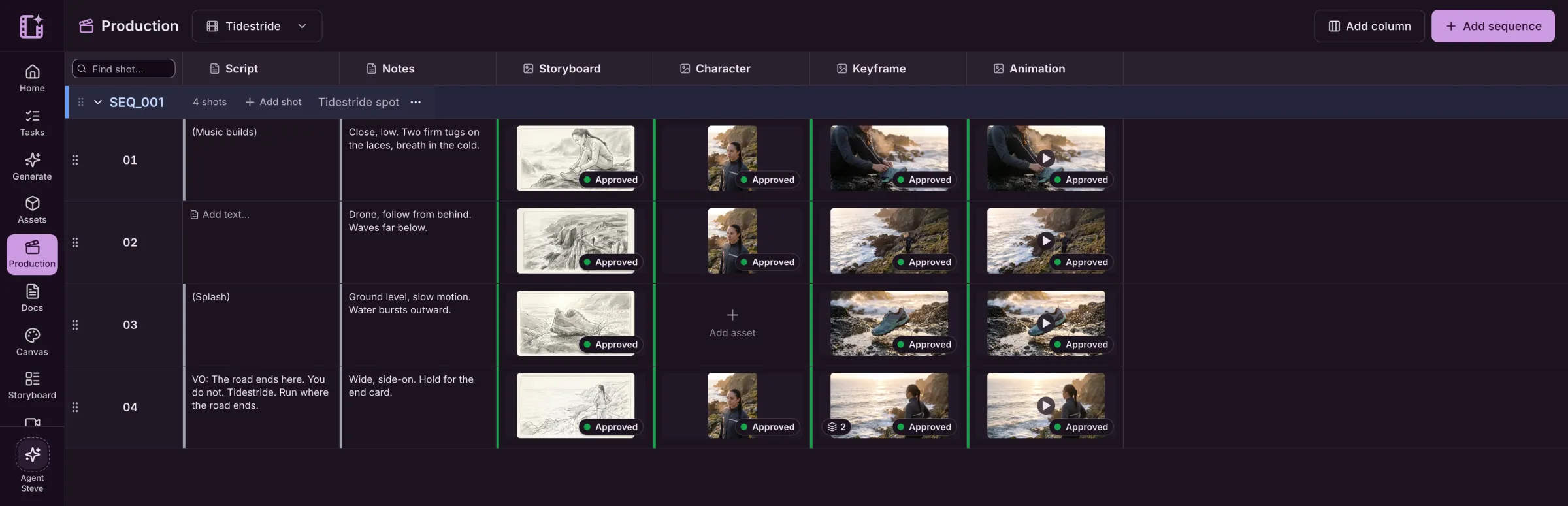
Every shot of the spot, on one board.
The Tidestride spot as it sits on the board: storyboards, the runner, keyframes and clips, each approved.
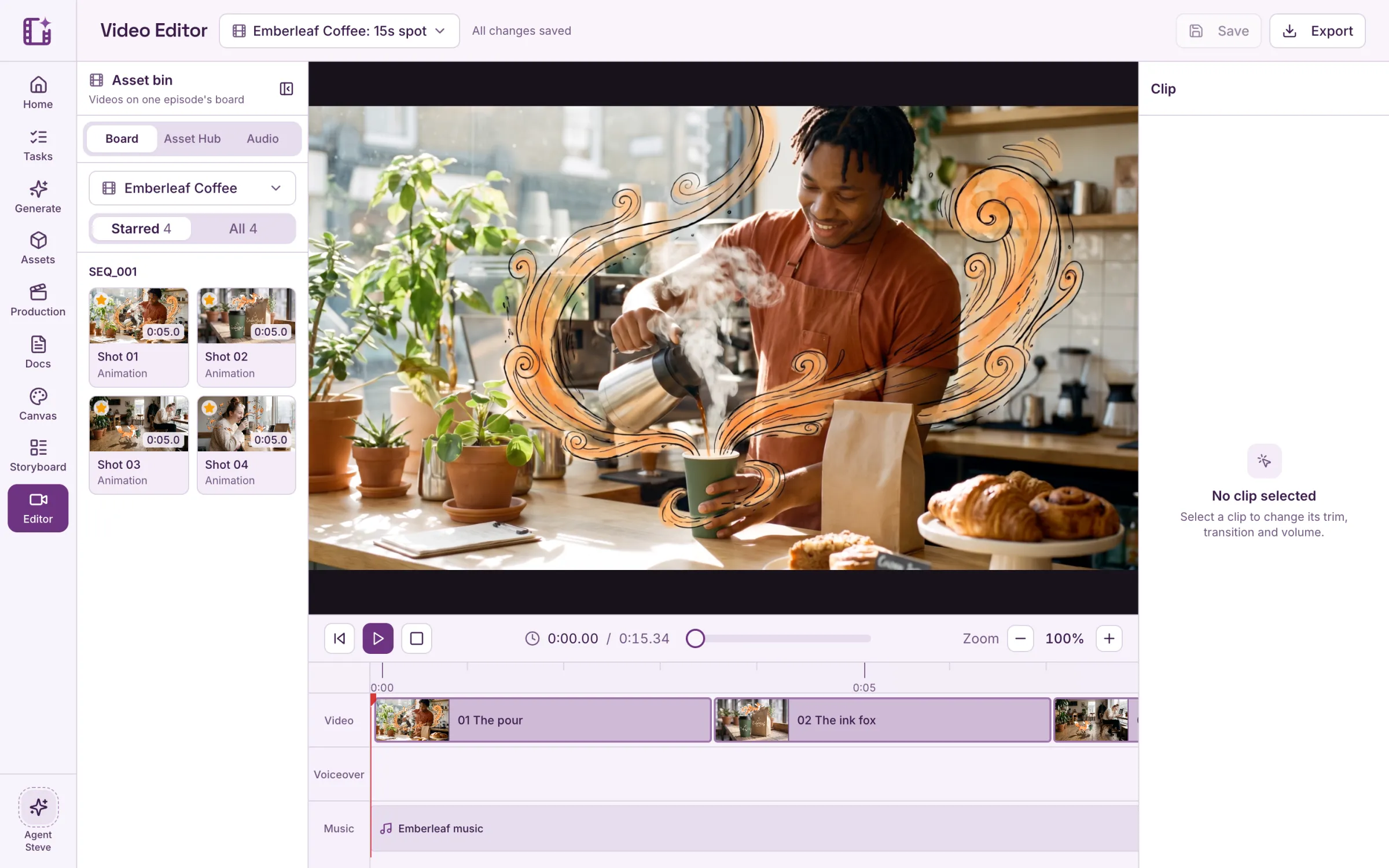
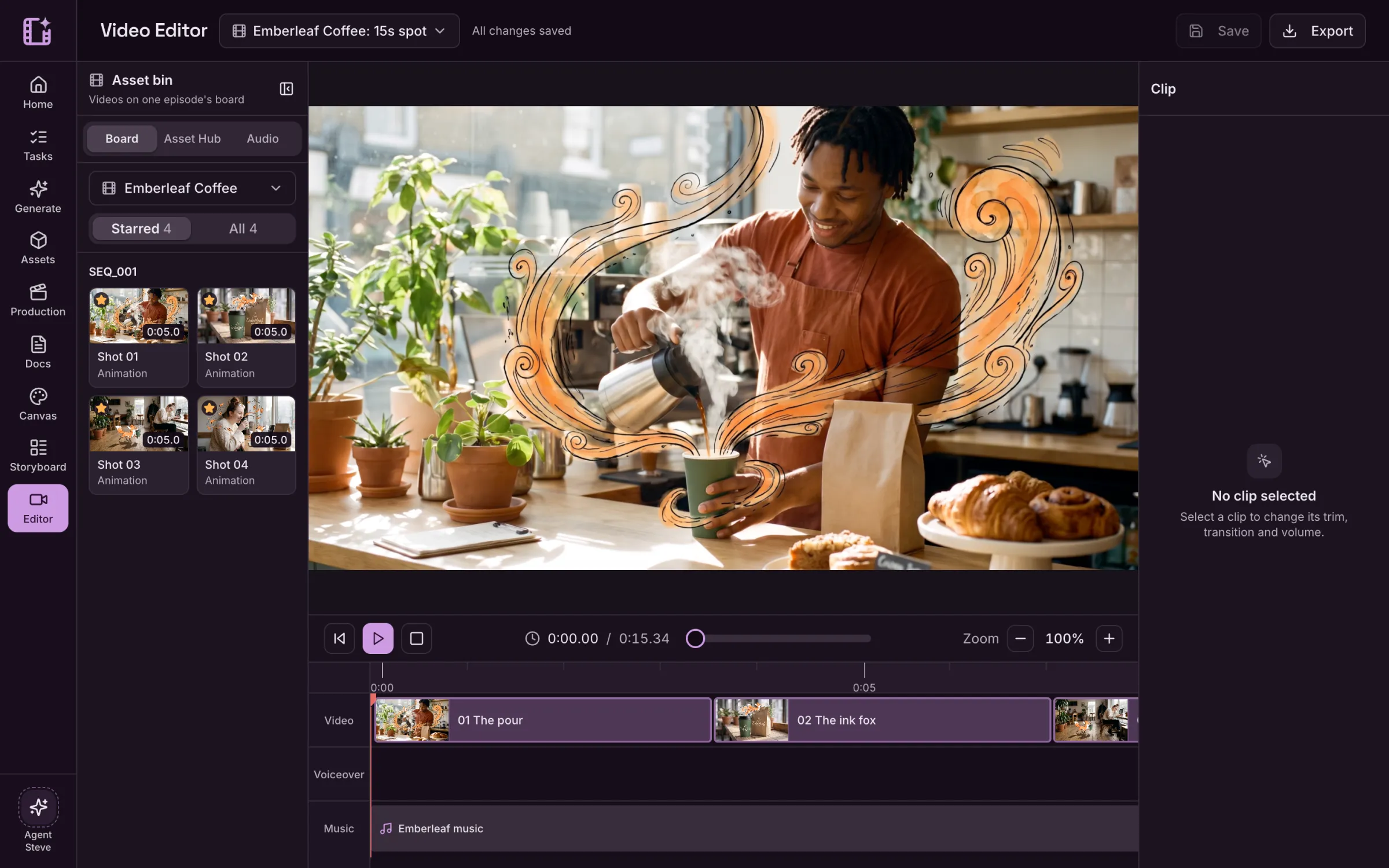
Cut it with the voice and the music.
The Emberleaf spot in the Video Editor, with the voiceover and the music on their own tracks.
Questions about commercial work.
Can I use Cinemagiq for client work?
Yes. Cinemagiq works for commercials, trailers and branded films as well as series. You own your uploads and what you generate, subject to the terms of the AI providers.
Who made the spots on this page?
Our team, in Cinemagiq, for brands we made up: Hollowbee Honey, Tidestride and Emberleaf Coffee. Each one took a single project with a board, keyframes, clips, voiceover and music.
Can I keep a product looking the same in every shot?
Yes. Keep the product, the logo and the characters in the Asset Hub and use them as references, the way the cup and the shoe stay the same in these spots.
Can I mix live action and animation?
Yes. The Emberleaf spot puts drawn animation over live-action footage. You choose the models for each shot.