Steve
Steve knows your project, and asks before it acts.
Steve reads your board, docs and assets, then proposes a plan with every step and its price. Nothing changes until you press Run it.
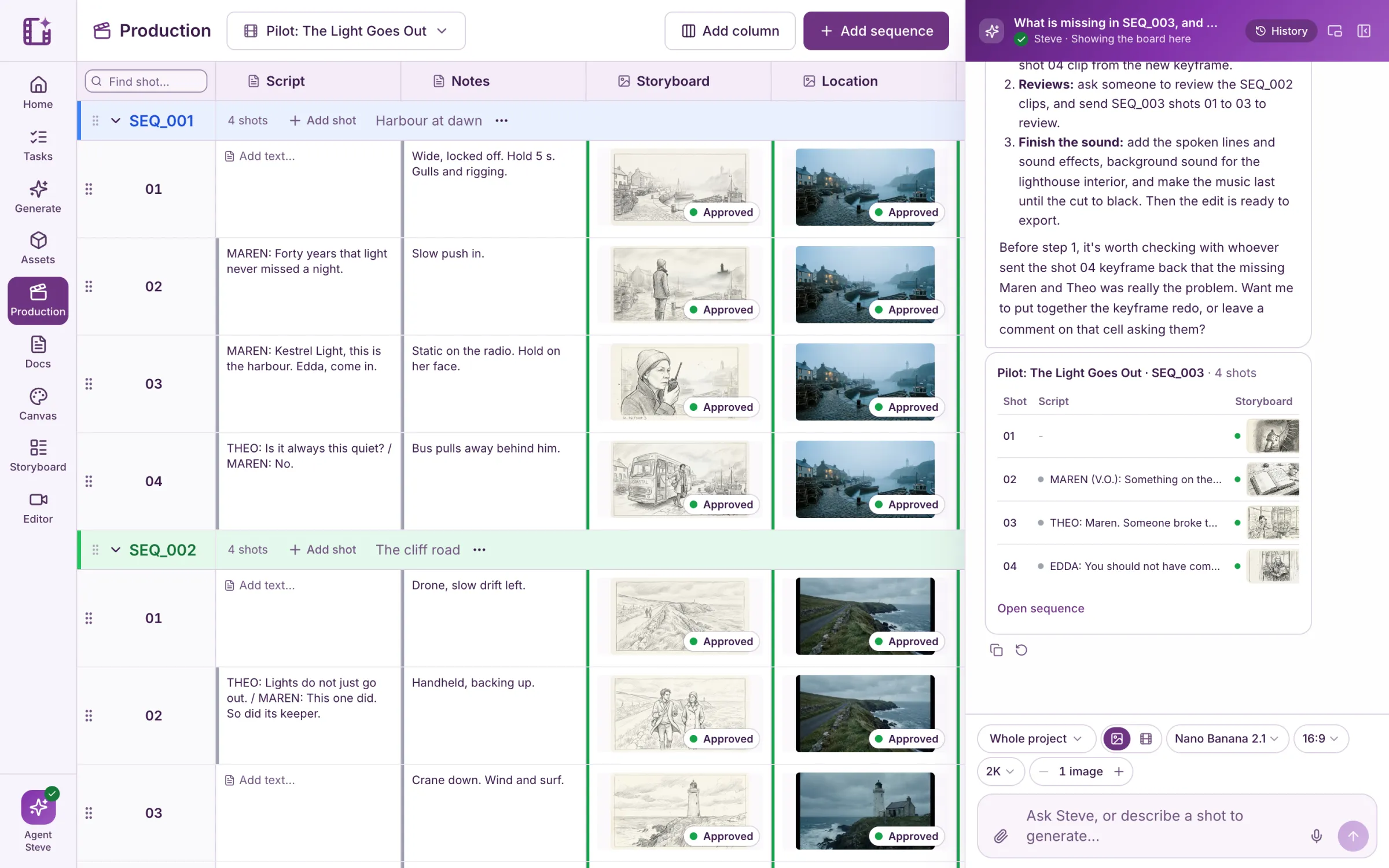
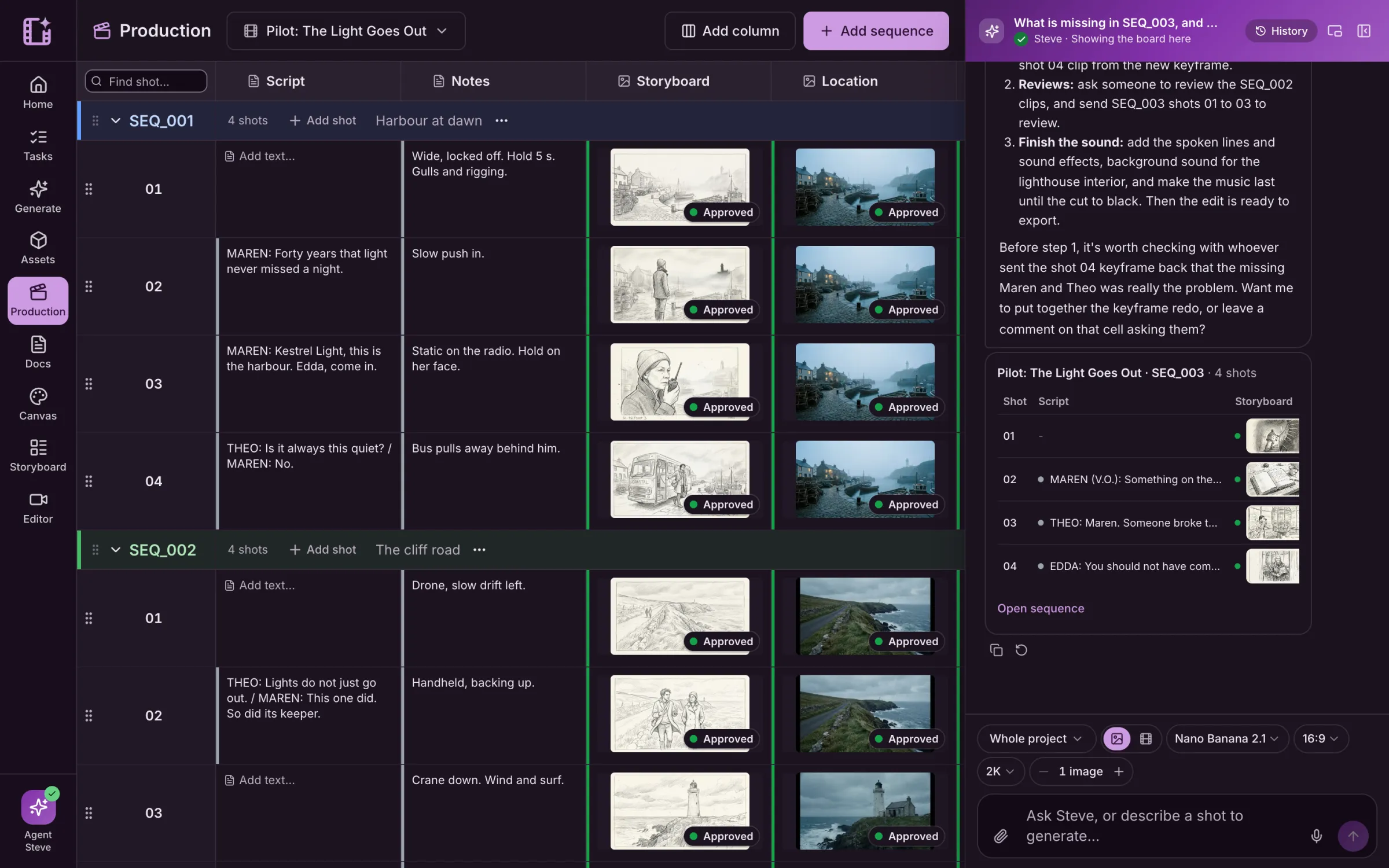
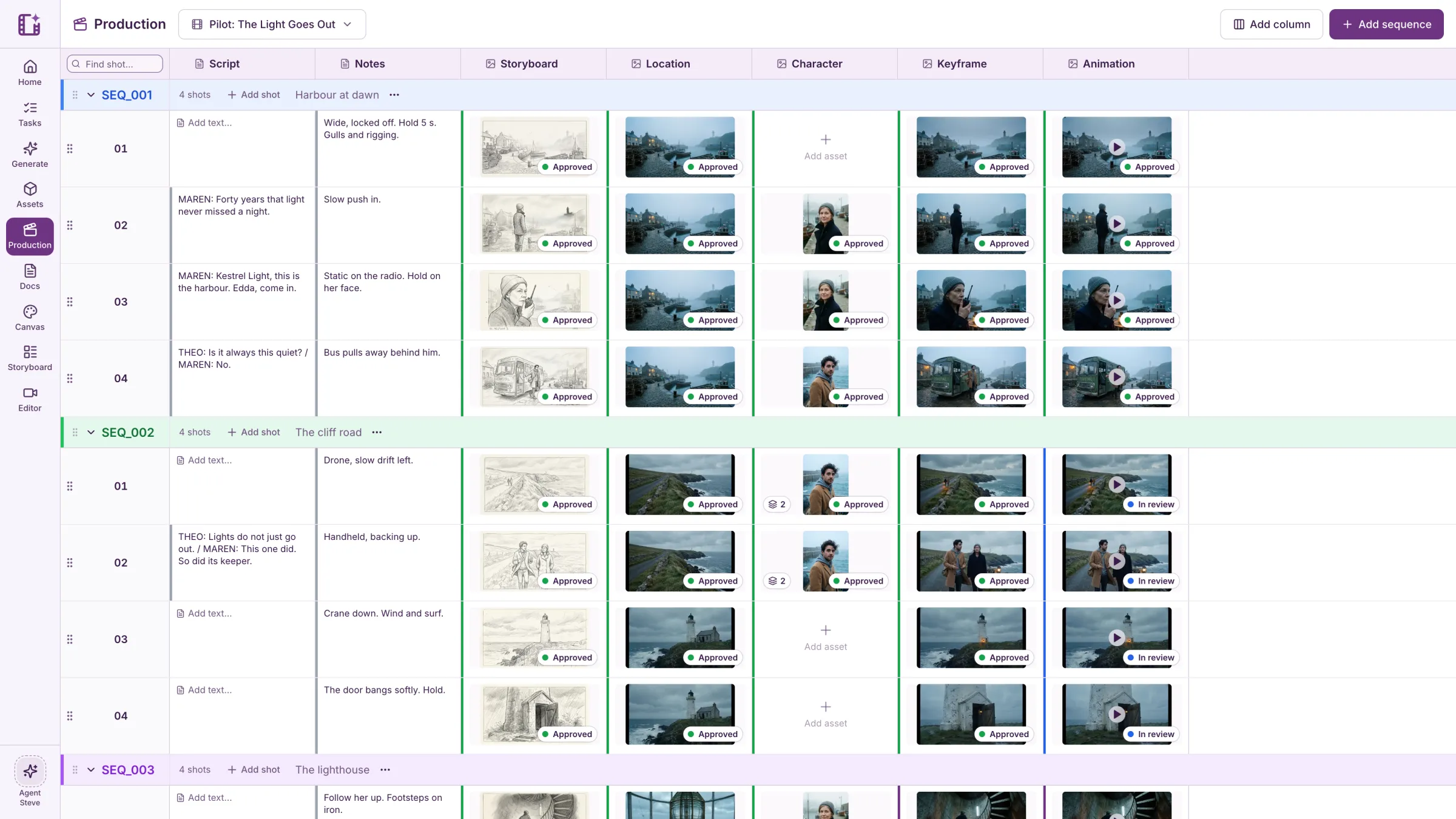
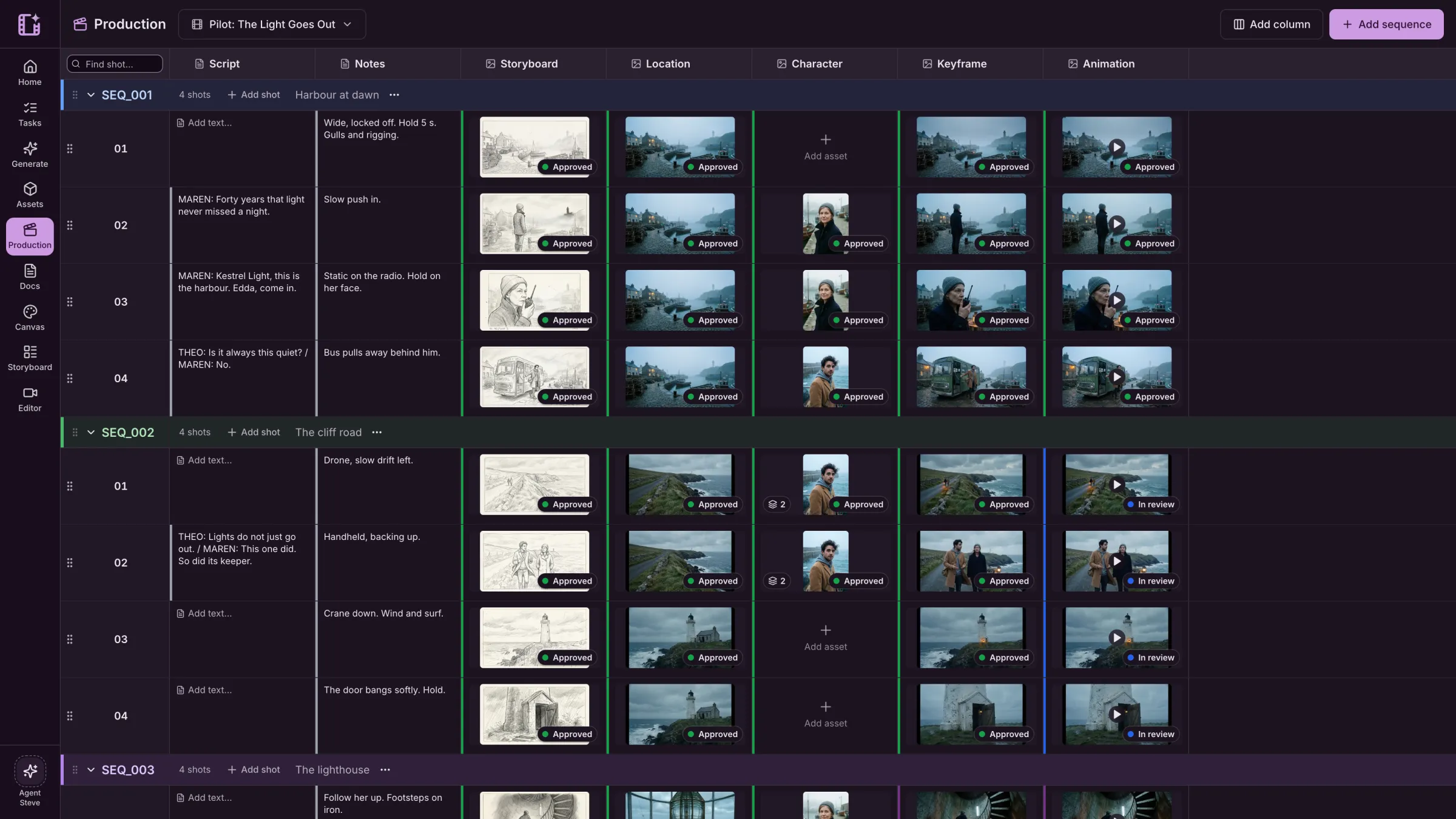
Kestrel Bay is a sample series we made in Cinemagiq to show the product. The brands in our spots are made up.
A plan first, with the price.
Ask for work and Steve lays out each step, how many tokens it needs and what it will change. Run it, or cancel.
- Every step listed before it runs
- The price of the whole plan, in tokens
- Run it or Cancel, nothing in between
Draft 2 keyframes for SEQ_001
Two 16:9 keyframes with the boy as the reference, each placed in its Keyframe cell.
What will run
- Generate a keyframe for SEQ_001 · Shot 02 and place it in Keyframe · 15 tokens
- Generate a keyframe for SEQ_001 · Shot 03 and place it in Keyframe · 15 tokens
Cost: 30 tokens
What teams ask Steve to do.
Break a script into shots
Turn a scene into sequences and shots on the board, with the lines in the script column.
Fill a column
Make keyframes from the storyboards of a whole sequence, or clips from the keyframes.
Generate and place
Generate for a shot and put the result straight into its cell.
File your uploads
Put the files you drop into the chat into the right place in the Asset Hub.
Show you the board
Answer with views of your board and galleries of your assets, right in the chat.
Find what is missing
See which shots are behind, waiting for review or sent back, and what to do next.
Inside your rules.
Steve acts as you, with your permissions, in the project you have open. It cannot reach other projects or spend without your approval.
- Your own permissions, never more
- The current project only
- Approved plans only, with the price shown first
Also for commercials
Give Steve the brief for a spot, and it can lay it out as shots and fill in the keyframes.
See the commercial workLive action and drawn animation
Emberleaf Coffee
“Wake up wild.”
Questions about Steve.
What can Steve see?
The project you are in: its board, docs, assets and statuses. Steve works as you, with your own permissions, and only in the current project.
Can Steve change my project without asking?
No. For anything that changes the project or costs tokens, Steve first shows a plan with every step and its price. Nothing happens until you press Run it.
Does Steve cost extra?
Steve uses tokens from your workspace like any other job, and the plan shows the price before it runs.
Which AI runs Steve?
Steve runs on Anthropic’s Claude models. The providers we use are listed in our Privacy Policy.