Asset Hub
One home for your characters, locations and props.
One versioned home for characters, locations, props and audio. See where every file came from and where it is used across the production.
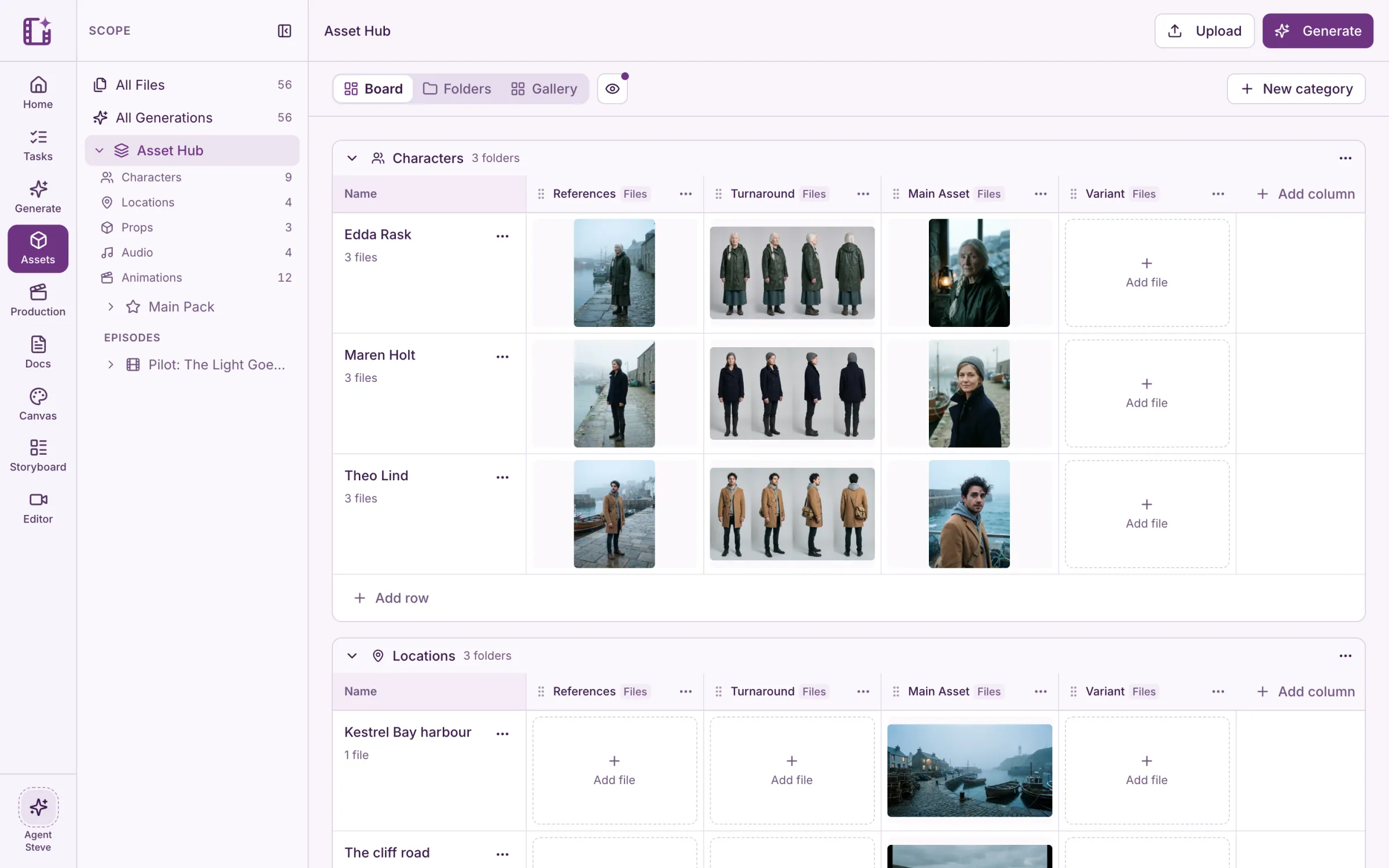
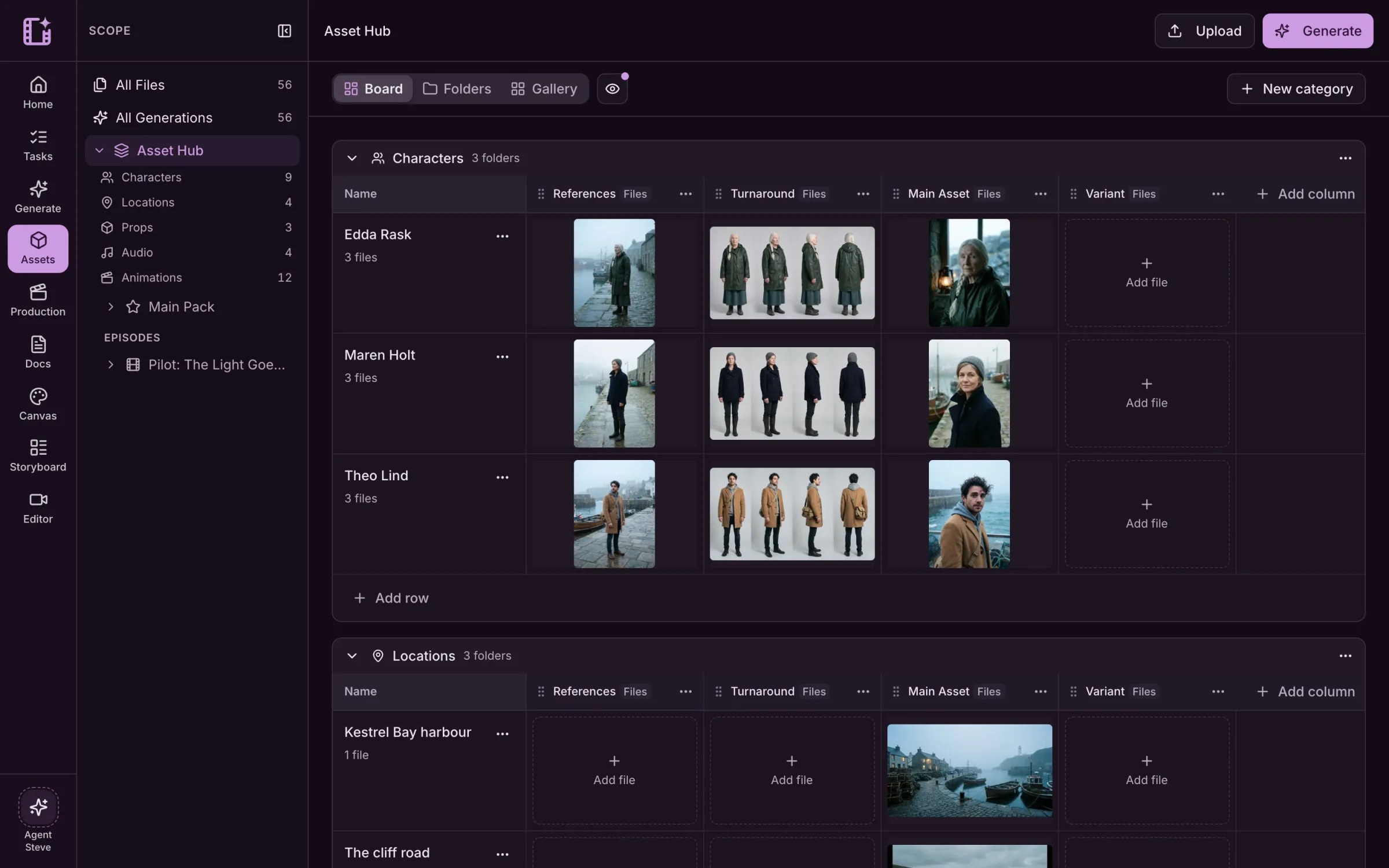
Kestrel Bay is a sample series we made in Cinemagiq to show the product. The brands in our spots are made up.
A board for your whole world.
Each category is a board of its own. Every character, location and prop is a row, with columns for references, turnarounds, the main asset and its variants.
- Characters, locations, props, audio and more
- Columns you can rename, add and reorder
- A folder for every row, with all its files
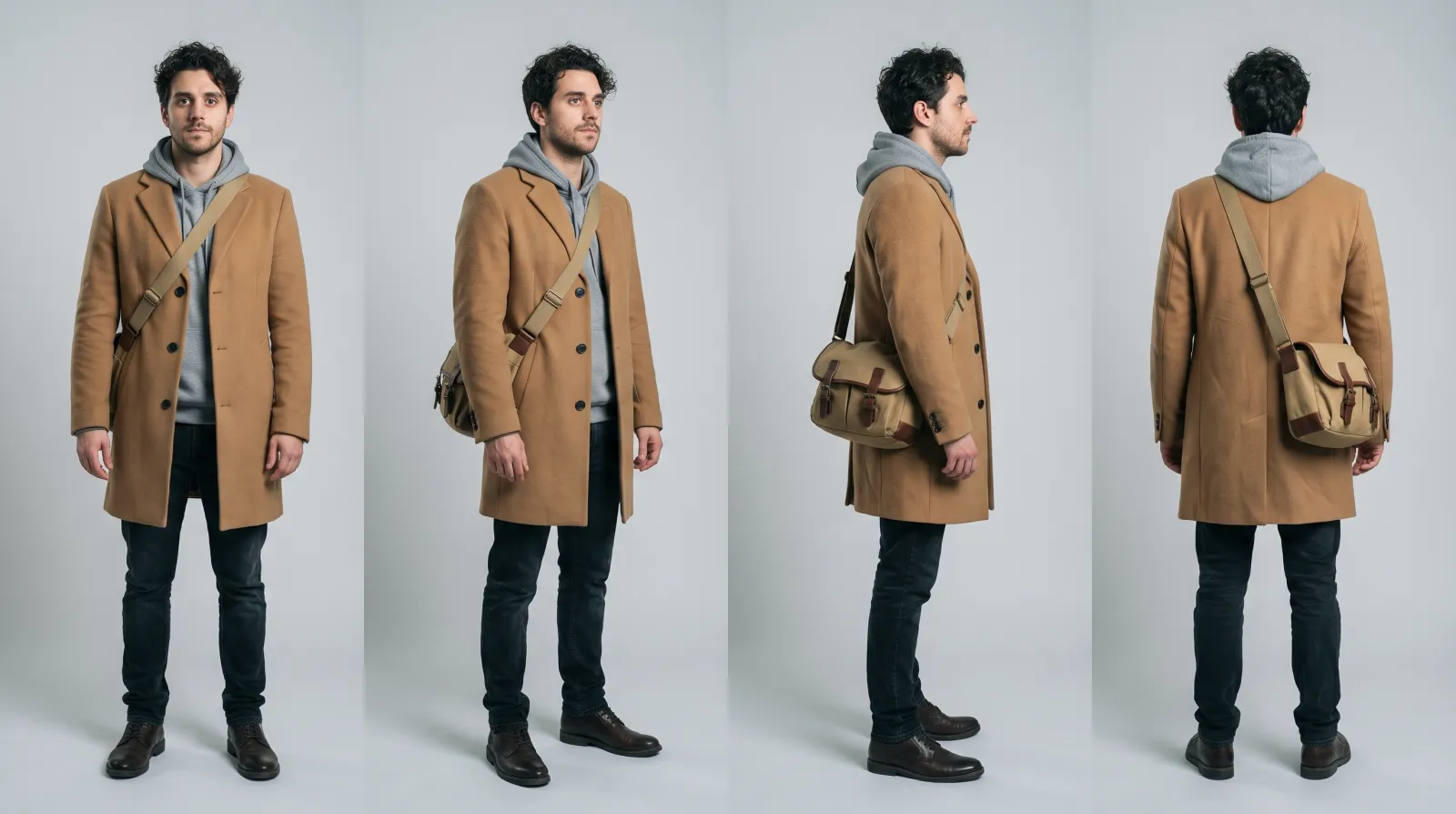
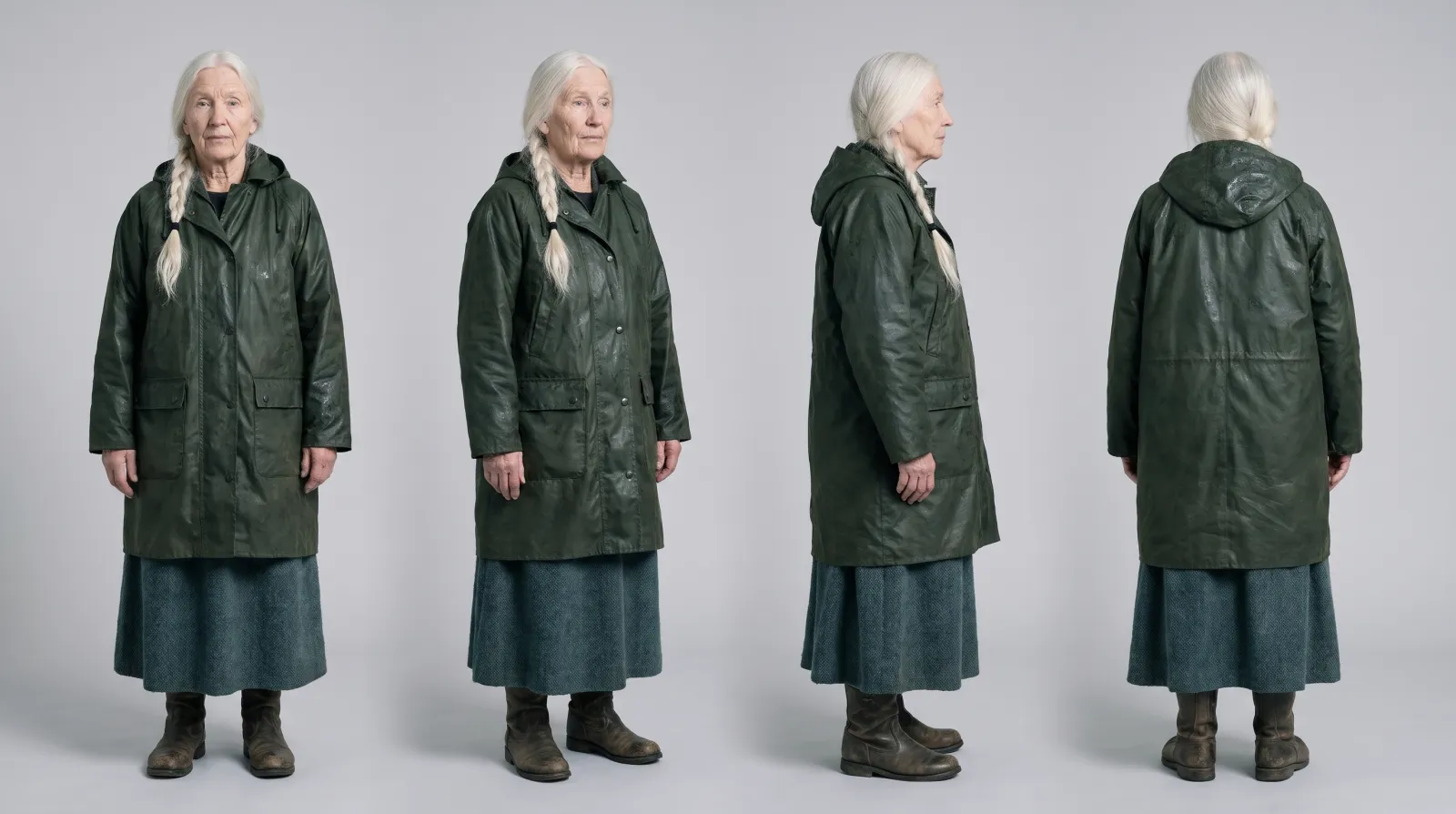
Versions, never copies.
A new take becomes the next version of the same asset. See what it was made from, where it is used, and which version is current.
- Every version kept, one marked as current
- Where a file came from: prompt, model and references
- Where it is used across the board
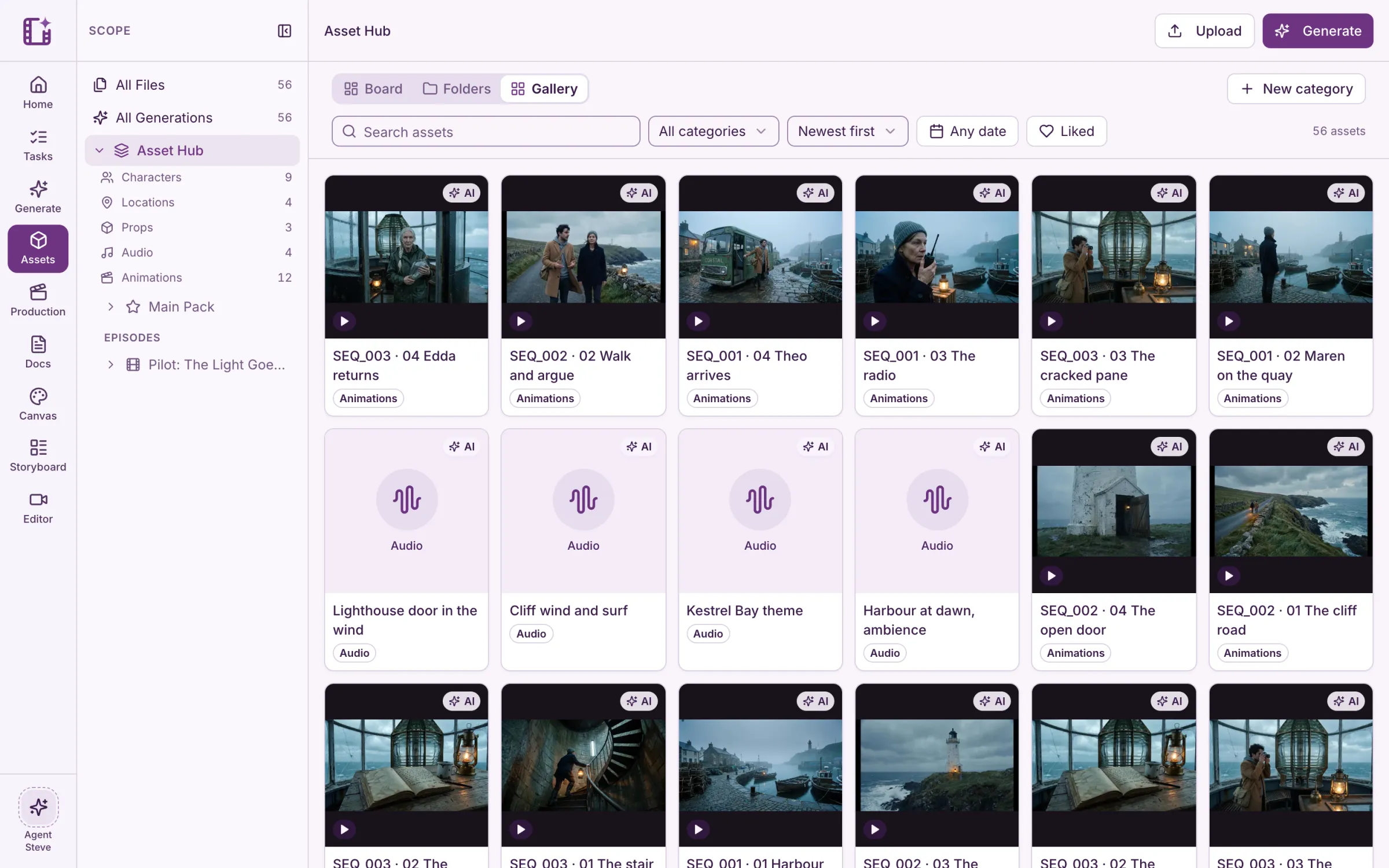
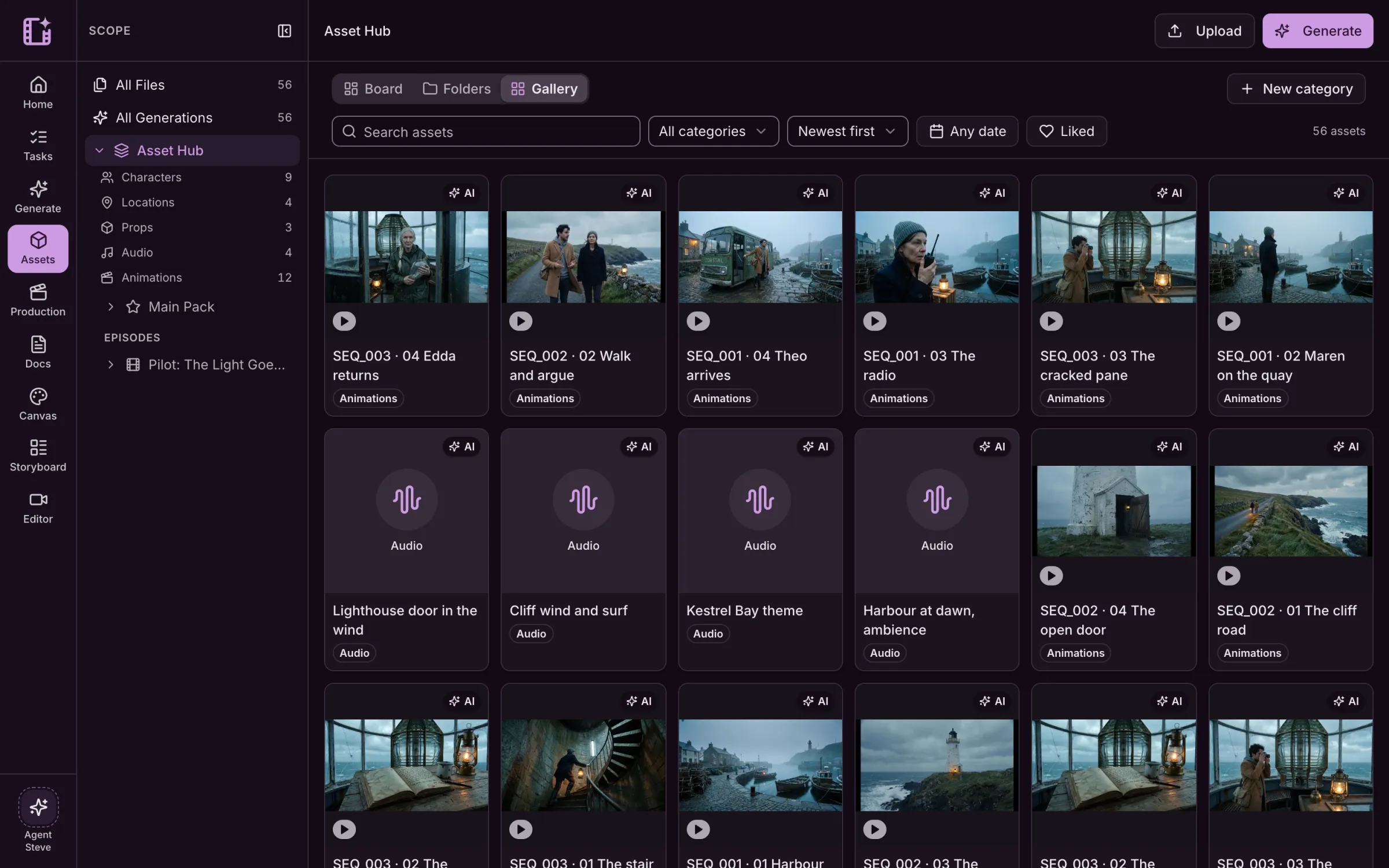
The same faces in every shot.
Use your characters and locations as references when you generate, so episode ten looks like episode one.
- Pick references straight from the Asset Hub
- Turnarounds and portraits keep characters steady
- Shared assets for the series, others per episode
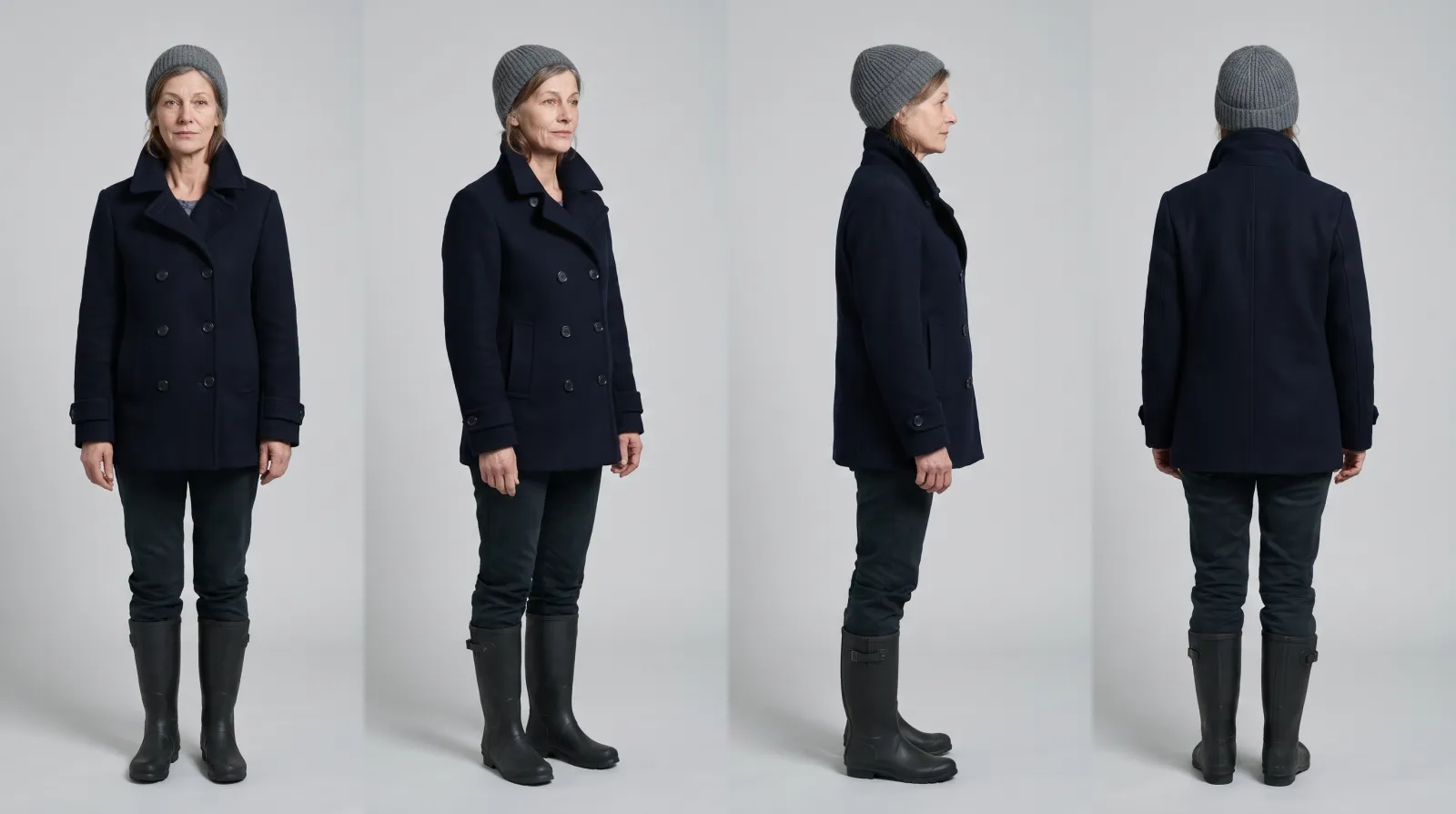
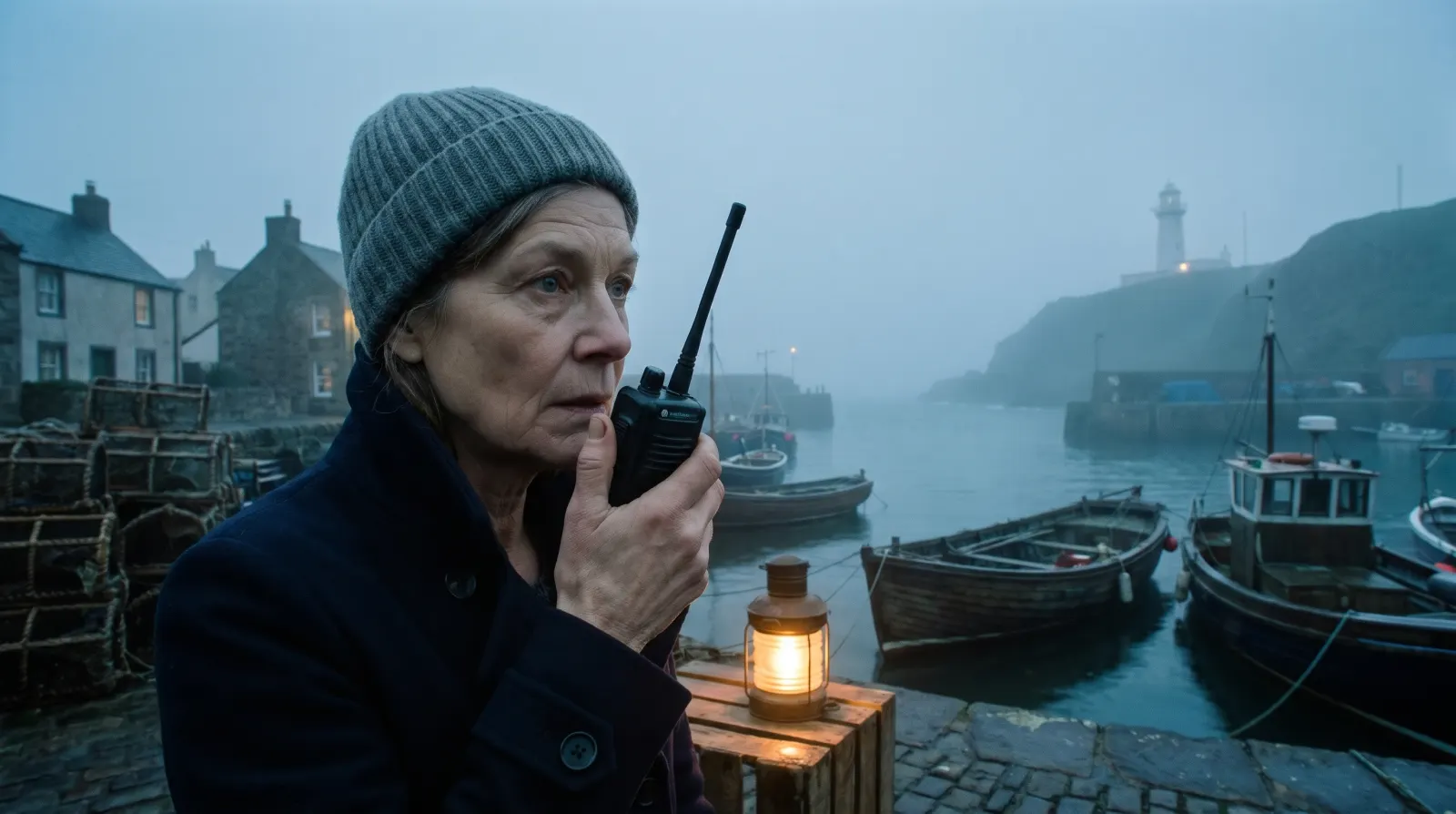
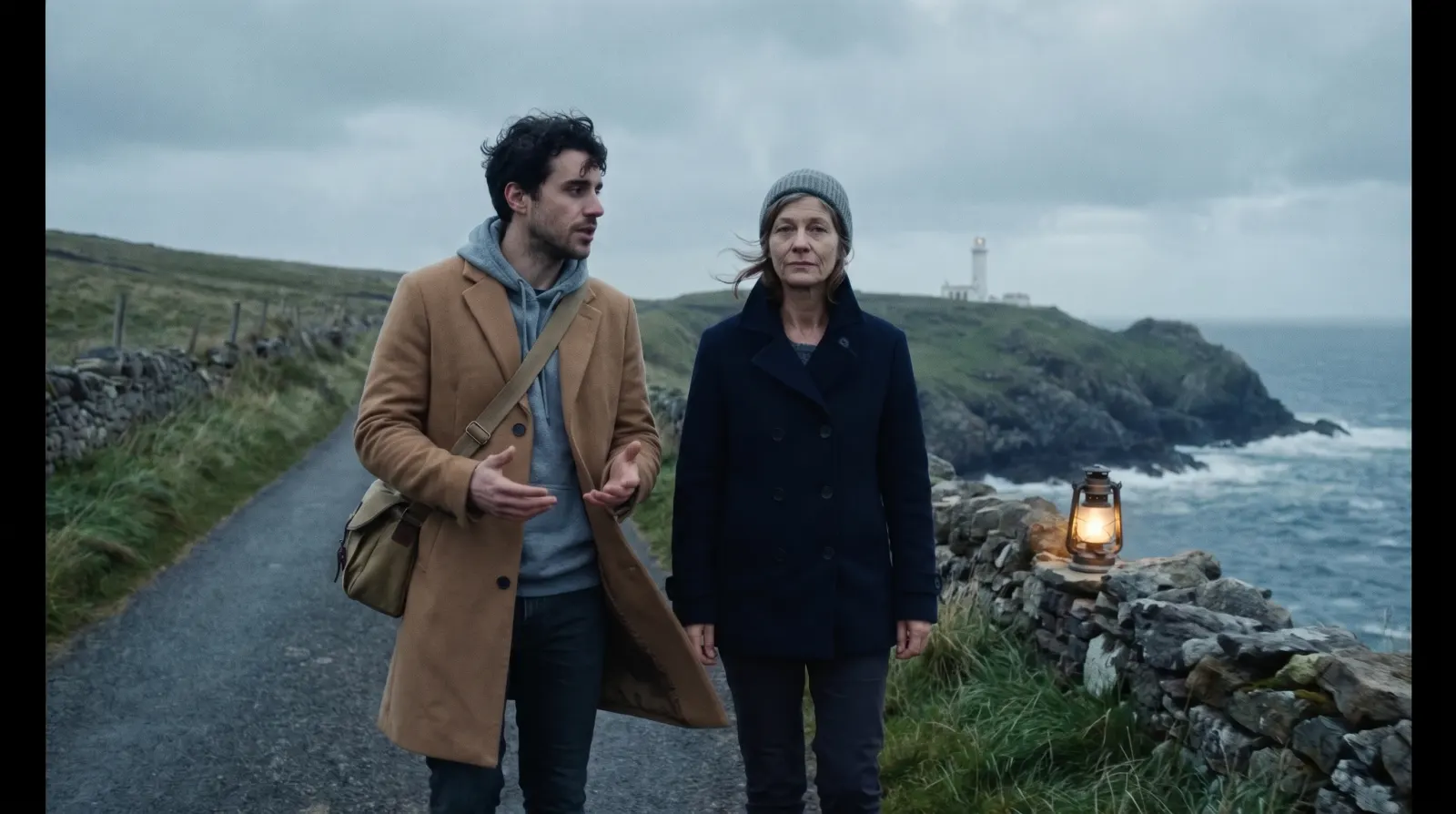
Also for commercials
Brand assets work the same way: one cup, one bag, one drawn fox, in every shot of the spot.
See the commercial workLive action and drawn animation
Emberleaf Coffee
“Wake up wild.”
Questions about the Asset Hub.
What goes in the Asset Hub?
Everything the production makes or brings in: characters, locations, props, backgrounds, keyframes, storyboards, clips, audio and documents, each in its own category and folder.
What happens when I make a new version?
It joins the same asset as its next version. You pick which version is current, and the board and every other place that uses the asset follow it.
Can I upload my own files?
Yes. Upload images, video and audio next to what you generate, and use them as references the same way.
Can assets belong to one episode?
Yes. Keep shared characters and locations for the whole series, and keep files that belong to one episode with that episode.