image model by Google DeepMind
Nano Banana 2
Google's Nano Banana 2 for stills up to 4K, plus Nano Banana 2 Lite
What is Nano Banana 2?
Nano Banana 2 is an image generation model from Google DeepMind. Cinemagiq runs it next to Nano Banana 2 Lite, a lighter tier of the same family, and both sit on the Generation Studio's Image tab. Its successor, Nano Banana 2.1, is now the default image model, but Nano Banana 2 stays available, which helps when you want new frames to match a look you already built with it.
Nano Banana 2 renders from 0.5K up to 4K, takes up to 10 reference images and supports 14 aspect ratios, from 1:1 and 16:9 to 21:9 and the panoramic 1:4, 4:1, 1:8 and 8:1. Nano Banana 2 Lite renders 1K only, accepts up to 14 reference images and offers the ten standard ratios without the panoramic ones. Both support Camera Angle Control and both return up to four images per run.
Use Nano Banana 2 for concept art, storybook illustration, costume and prop sheets, and cinematic stills you plan to animate. Nano Banana 2 Lite fits early iteration: thumbnails, rough storyboard drafts and look tests at 1K, with room for many references. Every result lands in the Asset Hub under All Generations, where you can add the strongest one to a shot on the Production Board or use it as a First Frame on the Video tab.
Nano Banana 2 examples
Made in Cinemagiq with Nano Banana 2. The exact prompt is under each one.
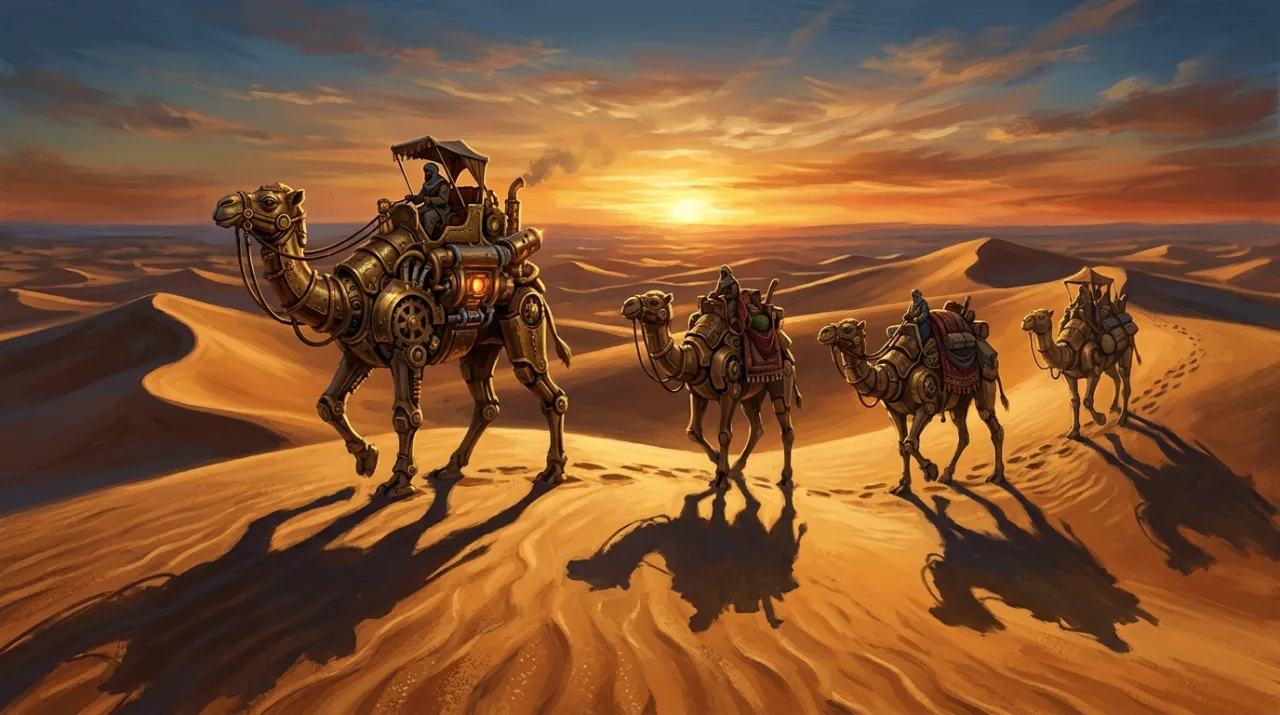
PromptConcept art: a caravan of giant mechanical camels crossing desert dunes at sunset, brass gears and pistons, long shadows, painterly style, wide shot.
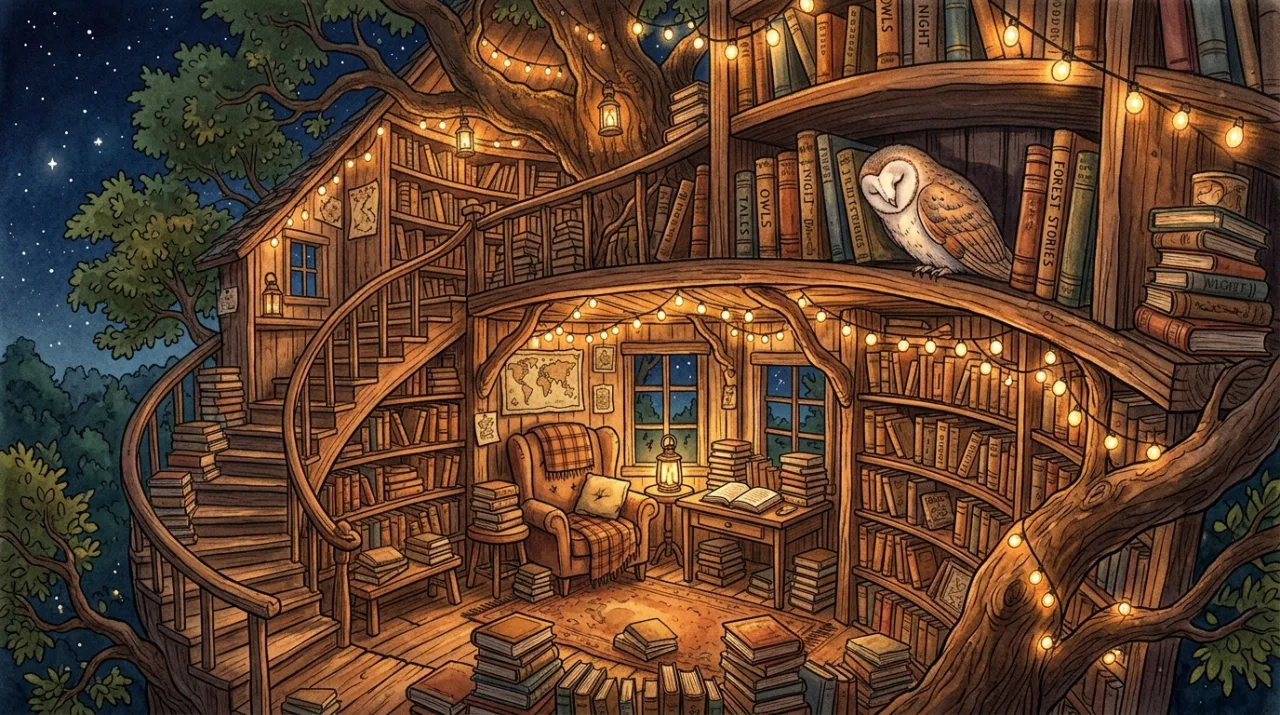
PromptStorybook illustration of a cozy treehouse library at night lit by fairy lights, books stacked everywhere, an owl sleeping on a shelf, no people.
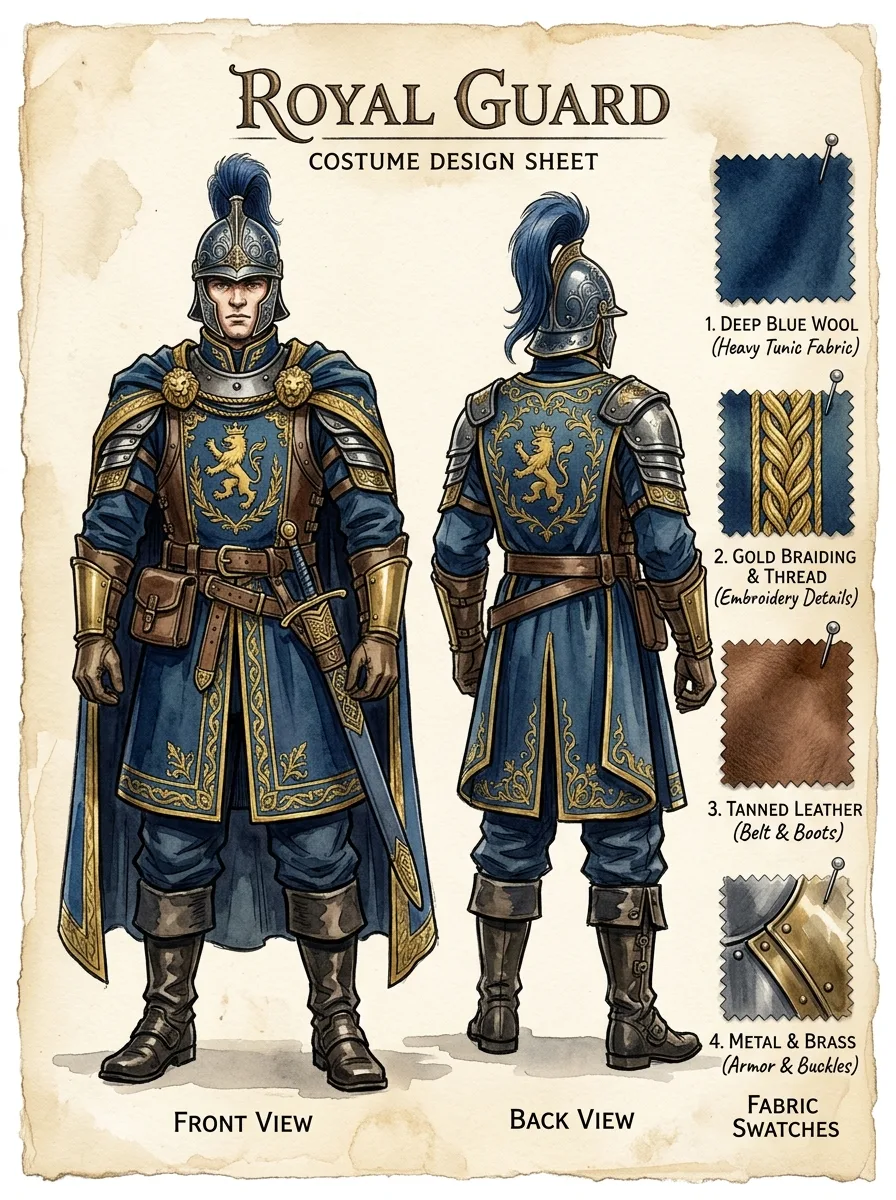
PromptCostume design sheet in watercolor and ink: a royal guard uniform for a fantasy film, front and back views, fabric swatches with handwritten labels on the side.
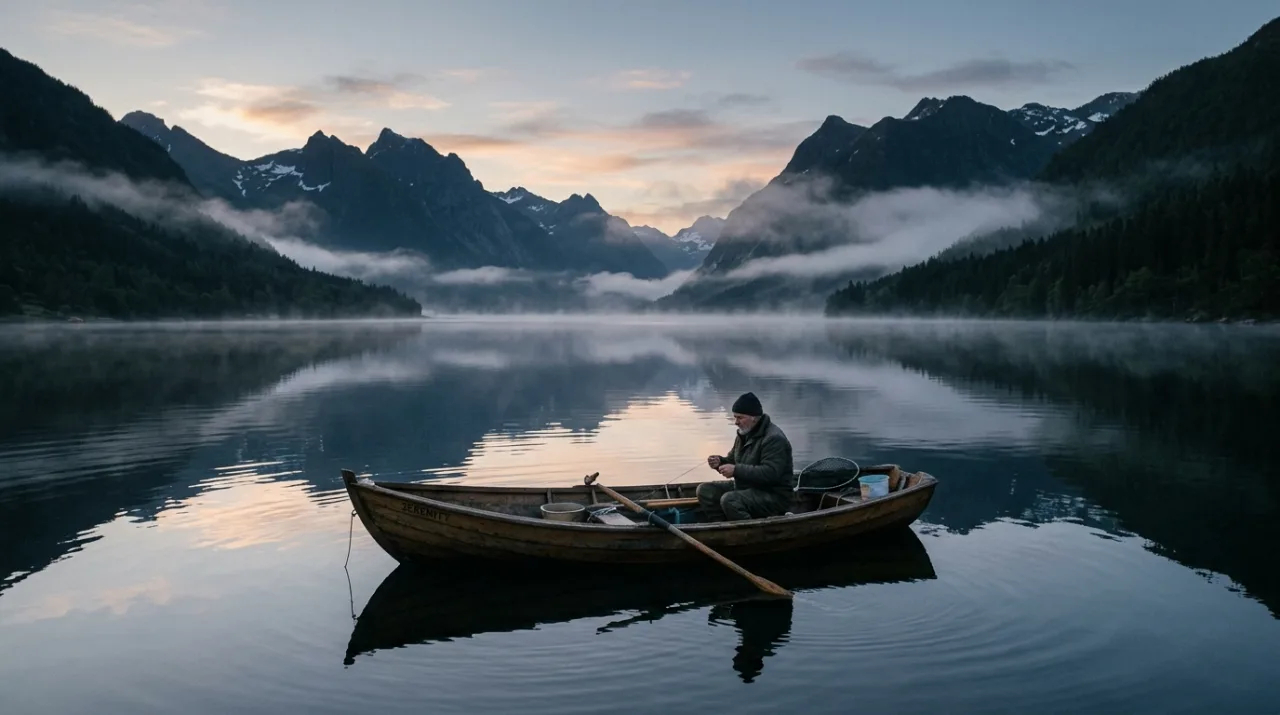
PromptCinematic still: a small fishing boat on a glassy lake at dawn, mist rising, mountains reflected in the water, quiet and minimal.
What Nano Banana 2 can do in Cinemagiq
Straight from the model list Cinemagiq runs today.
| Variant | Resolution | Reference images | Camera Angle Control |
|---|---|---|---|
| Nano Banana 2 | 0.5K, 1K, 2K, 4K | Up to 10 | Yes |
| Nano Banana 2 Lite | 0.5K, 1K, 2K, 4K | Up to 14 | Yes |
Strengths
- Renders from 0.5K up to 4K
- Up to 10 reference images (14 on Nano Banana 2 Lite)
- 14 aspect ratios, including panoramic formats
- Camera Angle Control on Nano Banana 2 and Nano Banana 2 Lite
Best for
- Concept art and illustration
- Costume, prop and character sheets
- 1K drafts and look tests with Nano Banana 2 Lite
- Matching frames made earlier with Nano Banana 2
Watch-outs
- Nano Banana 2.1 is the newer model and the Cinemagiq default, so start there for new work.
- Nano Banana 2 Lite renders 1K only and has no panoramic ratios.
- Camera Angle Control steers the prompt and does not guarantee the angle.
Prompt tips for Nano Banana 2
- Name the medium first, for example 'Concept art:', 'Storybook illustration of' or 'Costume design sheet in watercolor and ink:', then add the details.
- Cite references by position as @image1, @image2 near the start of the prompt and say what each one supplies: character, outfit or location.
- Draft on Nano Banana 2 Lite at 1K, then rerun the chosen prompt on Nano Banana 2 at 2K or 4K for the frame you keep.
- Use a Camera Angle Control preset such as High Angle or Close-Up for the viewpoint, and keep the prompt focused on the subject, setting and light.
How to use Nano Banana 2 in Cinemagiq
- 1Open the Generation Studio in your project and switch to the Image tab.
- 2Pick Nano Banana 2 in the AI Model picker. Each card says what drives the result and its limits.
- 3Write the prompt, set the aspect ratio and resolution, and attach reference images if you have them.
- 4Generate. The button shows the token cost before you start.
- 5Find every take in the Asset Hub under All Generations, and add the one you keep to its shot on the Production Board.