imageby RecraftAvailable in Cinemagiq
Recraft V4.1
Recraft V4.1 and Recraft V4.1 Pro: prompt-only stills at 1K or 2K
An image costs from about $0.07
Recraft V4.1 and Recraft V4.1 Pro: prompt-only stills at 1K or 2K
An image costs from about $0.07
Recraft V4.1 is an image generation model from Recraft. Cinemagiq runs two versions on the Generation Studio's Image tab: Recraft V4.1, which renders at 1K, and Recraft V4.1 Pro, which renders at 2K. Cinemagiq lists both for design and illustration work. They work from the prompt alone and return up to four images per run, a quick way to explore a graphic idea in words.
Neither version takes reference images, so everything in the frame comes from the words you write. They render nine aspect ratios: 1:1, 4:3, 3:4, 5:4, 4:5, 16:9, 9:16, 3:2 and 2:3. A 21:9 request is snapped to the nearest ratio they can render. There is no quality setting and no Camera Angle Control; the resolution is set by the version you pick.
In a film workflow, Recraft V4.1 is a good place for stand-alone graphics around the production: flat illustrations for pitch decks, studio emblems, isometric maps of a set or location, retro poster art and title-card backgrounds. Because it takes no references, it is not the tool for keeping a character consistent across shots. Every result lands in the Asset Hub under All Generations.
Made in Cinemagiq with Recraft V4.1. The exact prompt is under each one.
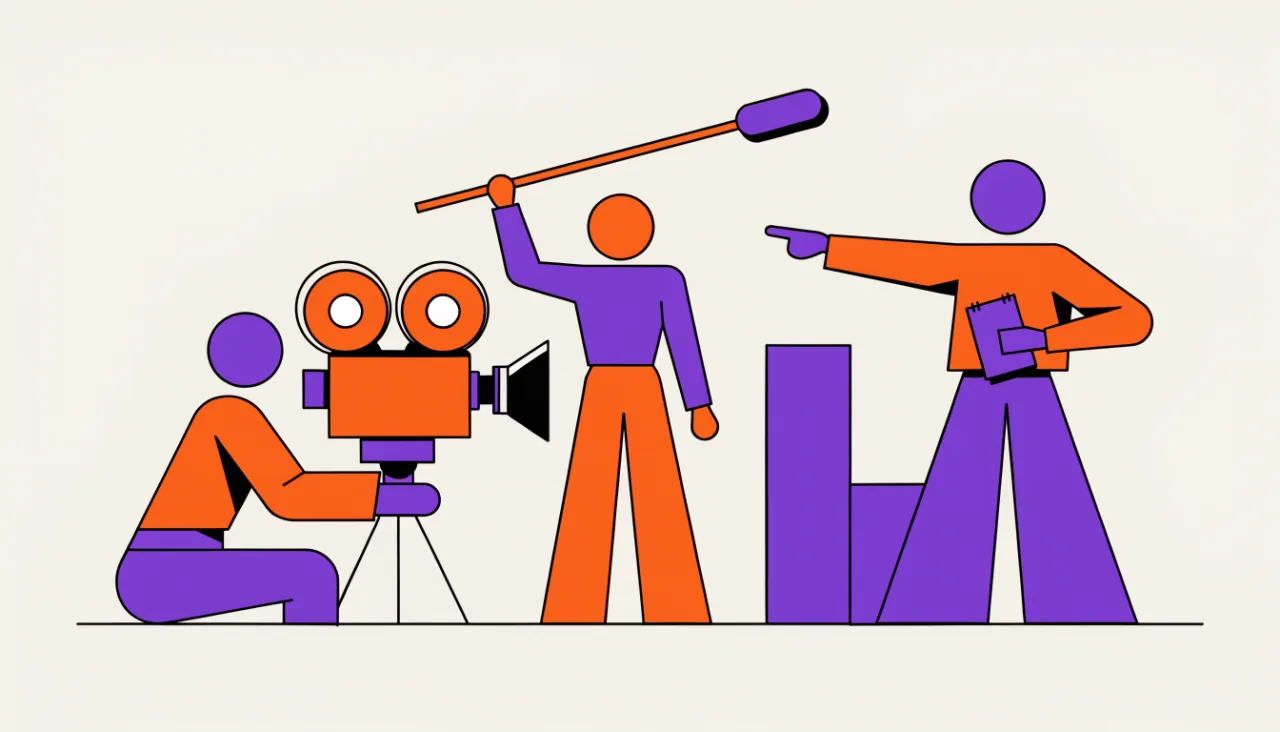
PromptFlat vector illustration of a film crew on location: a camera operator, a sound recordist with a boom mic and a director pointing, simple geometric shapes, limited palette of purple, orange and cream.
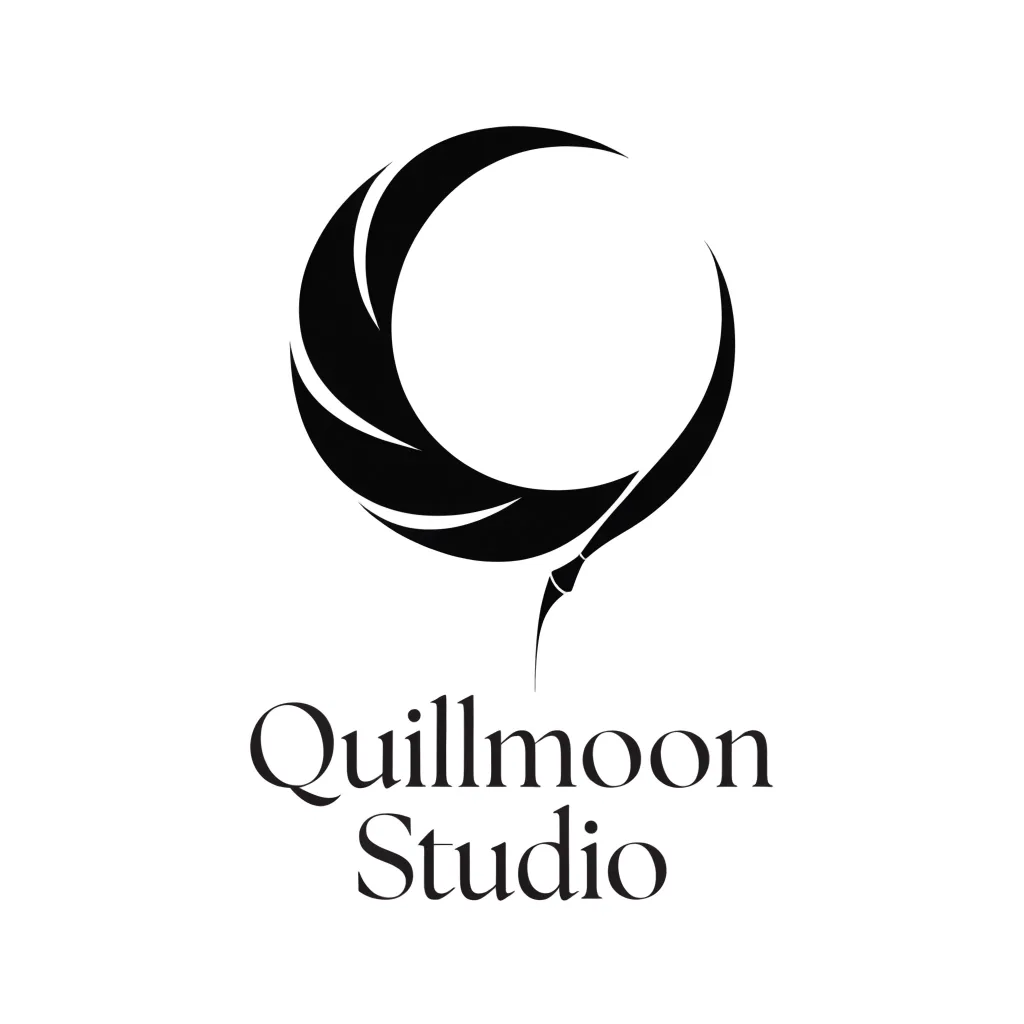
PromptEmblem for a fictional animation studio called 'Quillmoon Studio': a crescent moon drawn with a single quill stroke, clean vector, two colors.
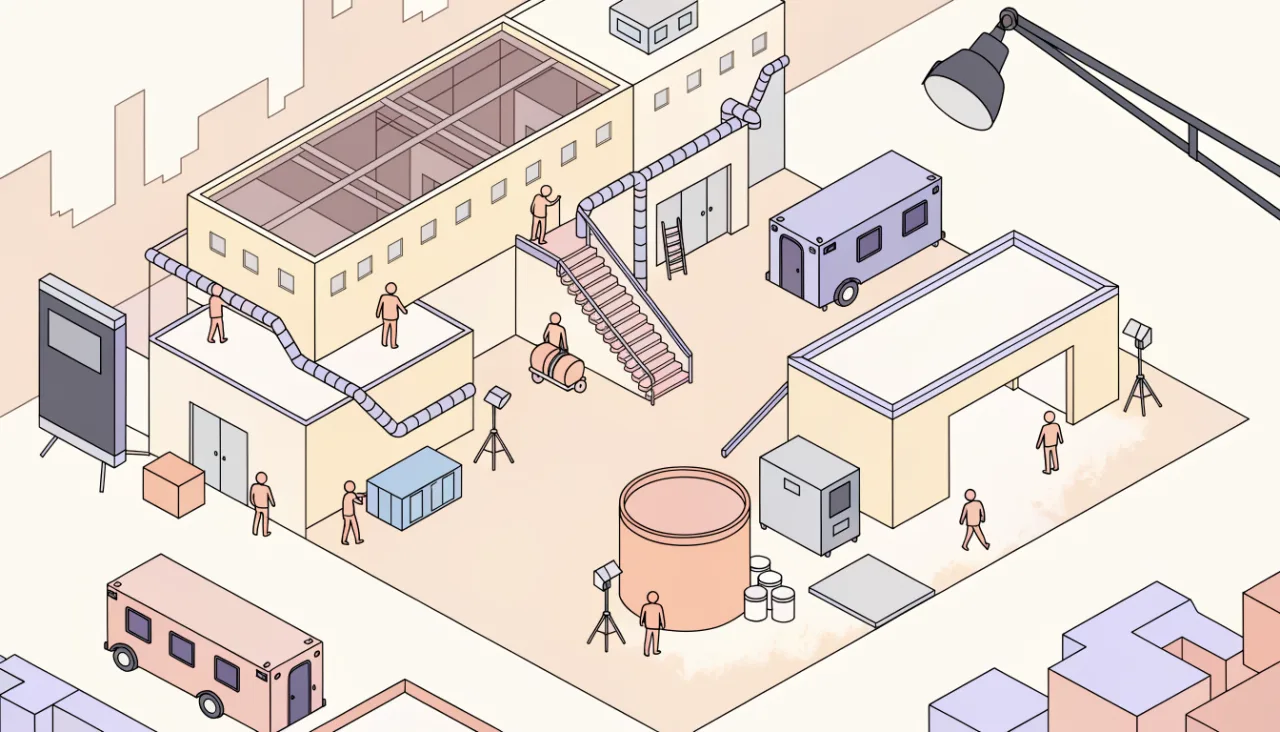
PromptIsometric illustration of a miniature film studio lot with soundstages, a water tank, trailers and tiny crew members, clean vector style, soft pastel colors.
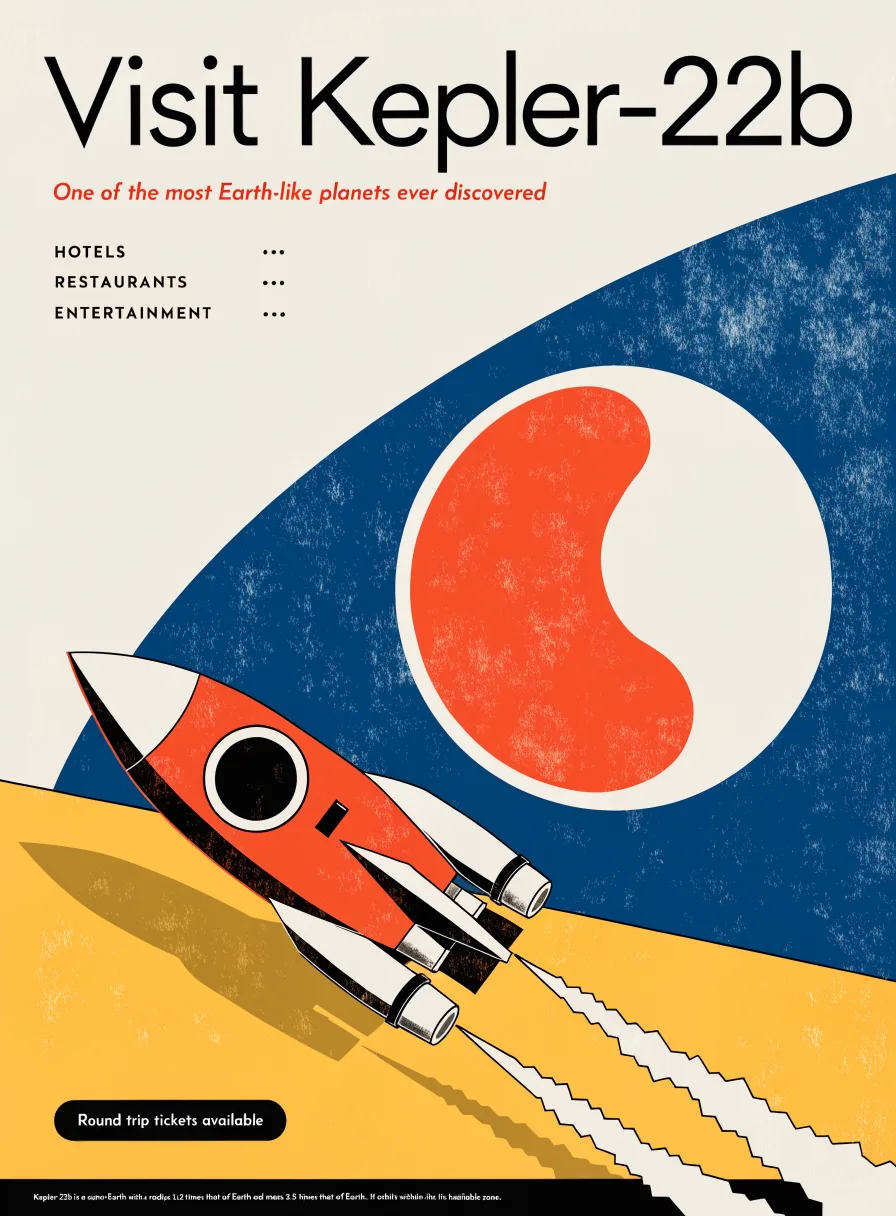
PromptMid-century travel poster for a fictional planet with the headline 'Visit Kepler-22b', a retro rocket, bold flat shapes, grainy print texture.
Straight from the model list Cinemagiq runs today.
| Variant | Resolution | Reference images | Camera Angle Control |
|---|---|---|---|
| Recraft V4.1 | 1K | None | No |
| Recraft V4.1 Pro | 2K | None | No |
No. Recraft V4.1 and Recraft V4.1 Pro work from the prompt alone, so describe the style, shapes, colors and layout in words. If a frame must match an existing character or product, use a model that takes references, such as Nano Banana 2.1 or FLUX.2.
Resolution. Recraft V4.1 renders at 1K only and Recraft V4.1 Pro renders at 2K only. Both take the same prompt-only input, render the same nine aspect ratios and return up to four images per run, so you can draft on one and finish on the other.
Nine: 1:1, 4:3, 3:4, 5:4, 4:5, 16:9, 9:16, 3:2 and 2:3. There is no 21:9, and a 21:9 request is snapped to the nearest ratio it can render. For ultra-wide frames, use FLUX.2, Qwen Image 3 or GPT Image 2.5.
Stand-alone graphic work around the film: pitch deck illustrations, studio and festival emblems, poster art, isometric location maps and title-card backgrounds. It is less suited to keeping characters consistent across shots, because it cannot take reference images.
Generate with Recraft V4.1 and the other models Cinemagiq runs in one AI-native workspace, and pick the right one per shot.